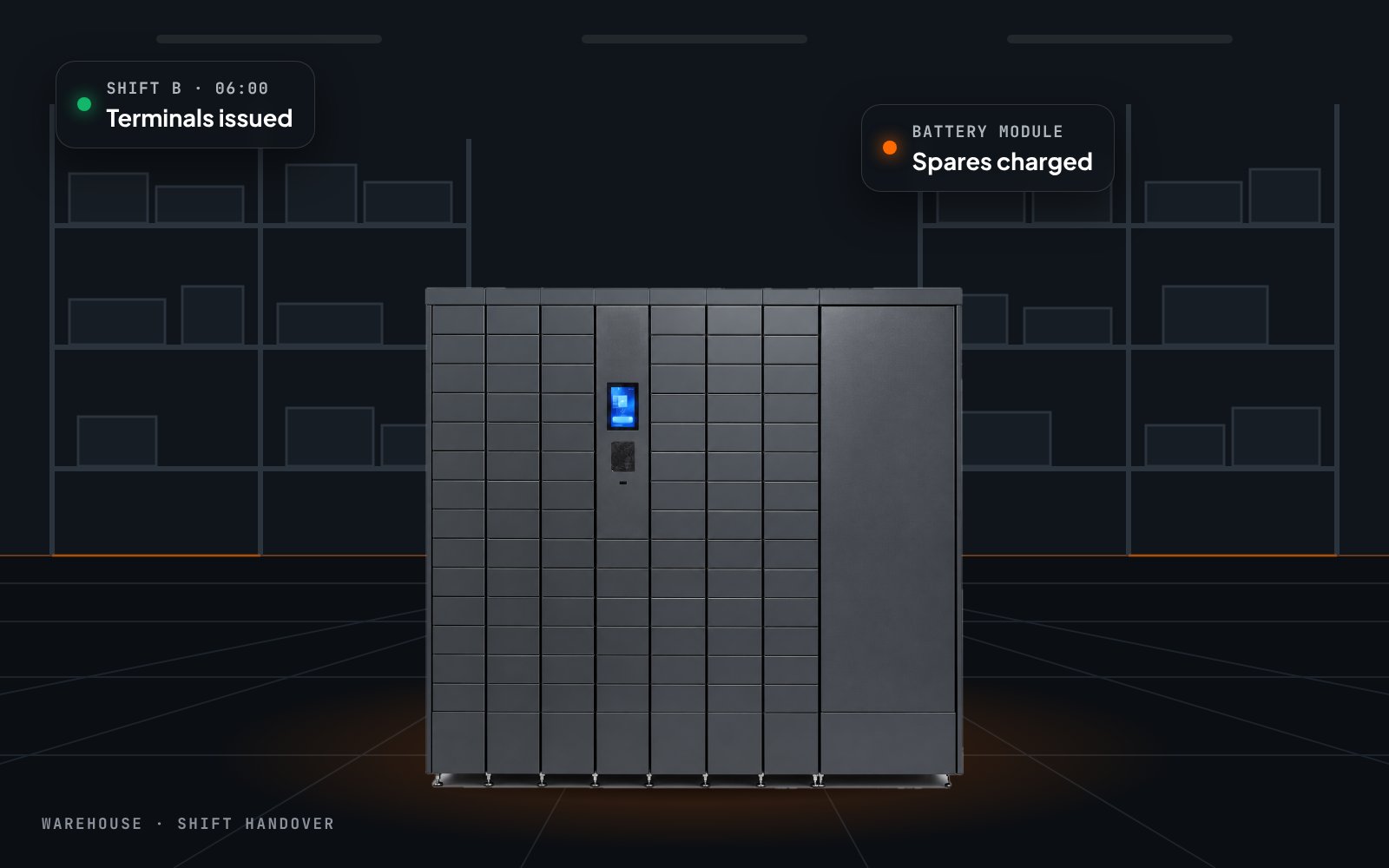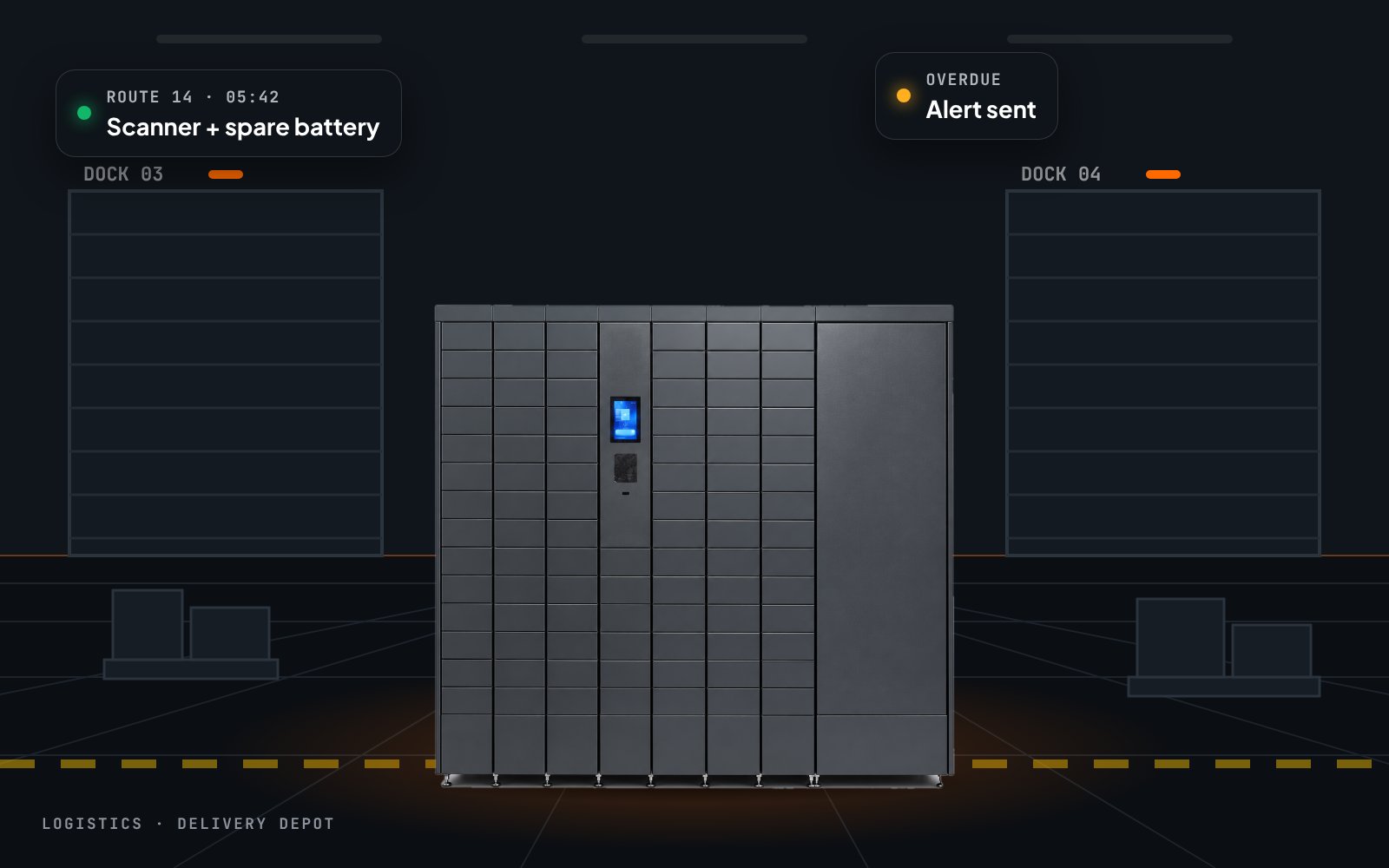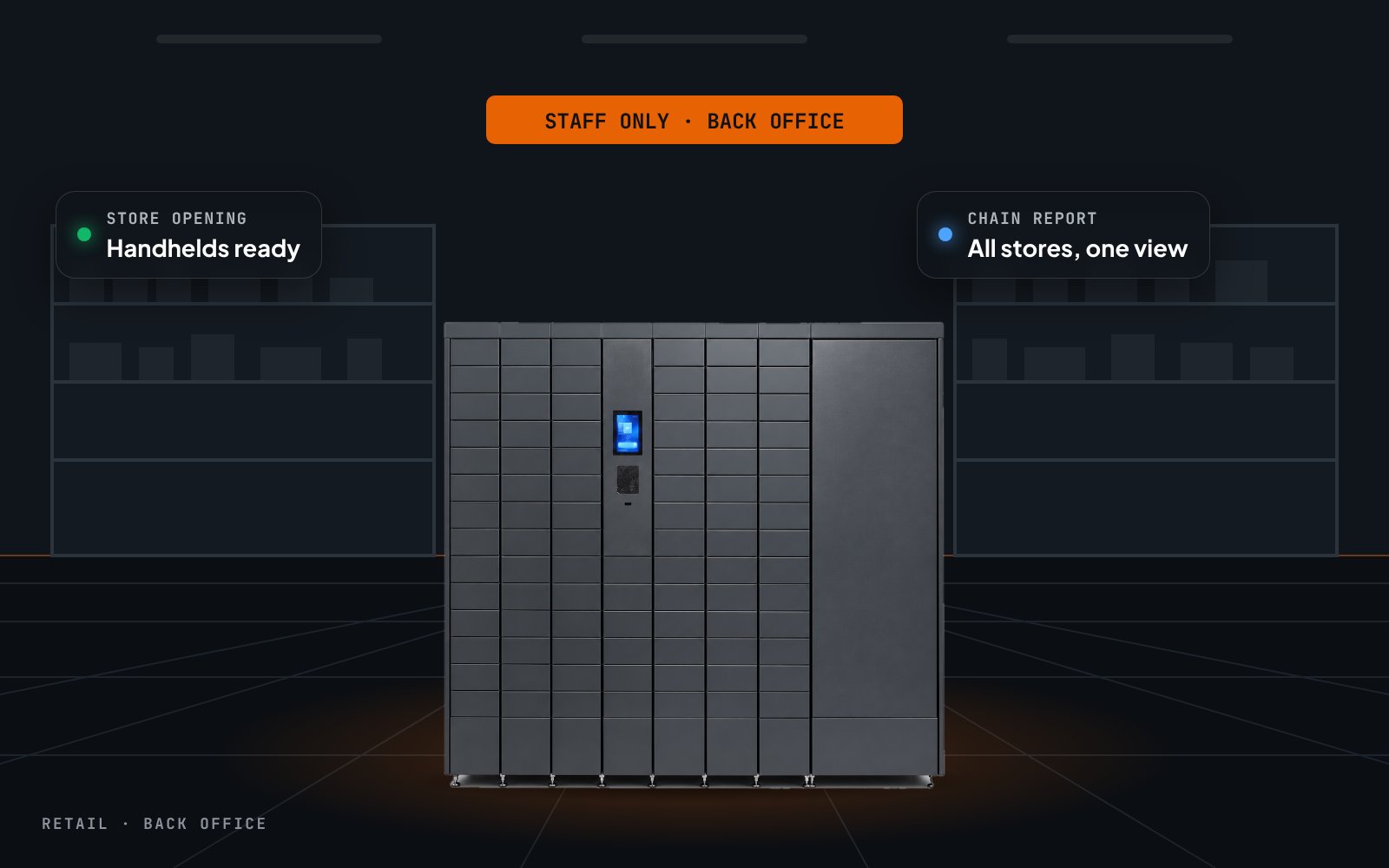
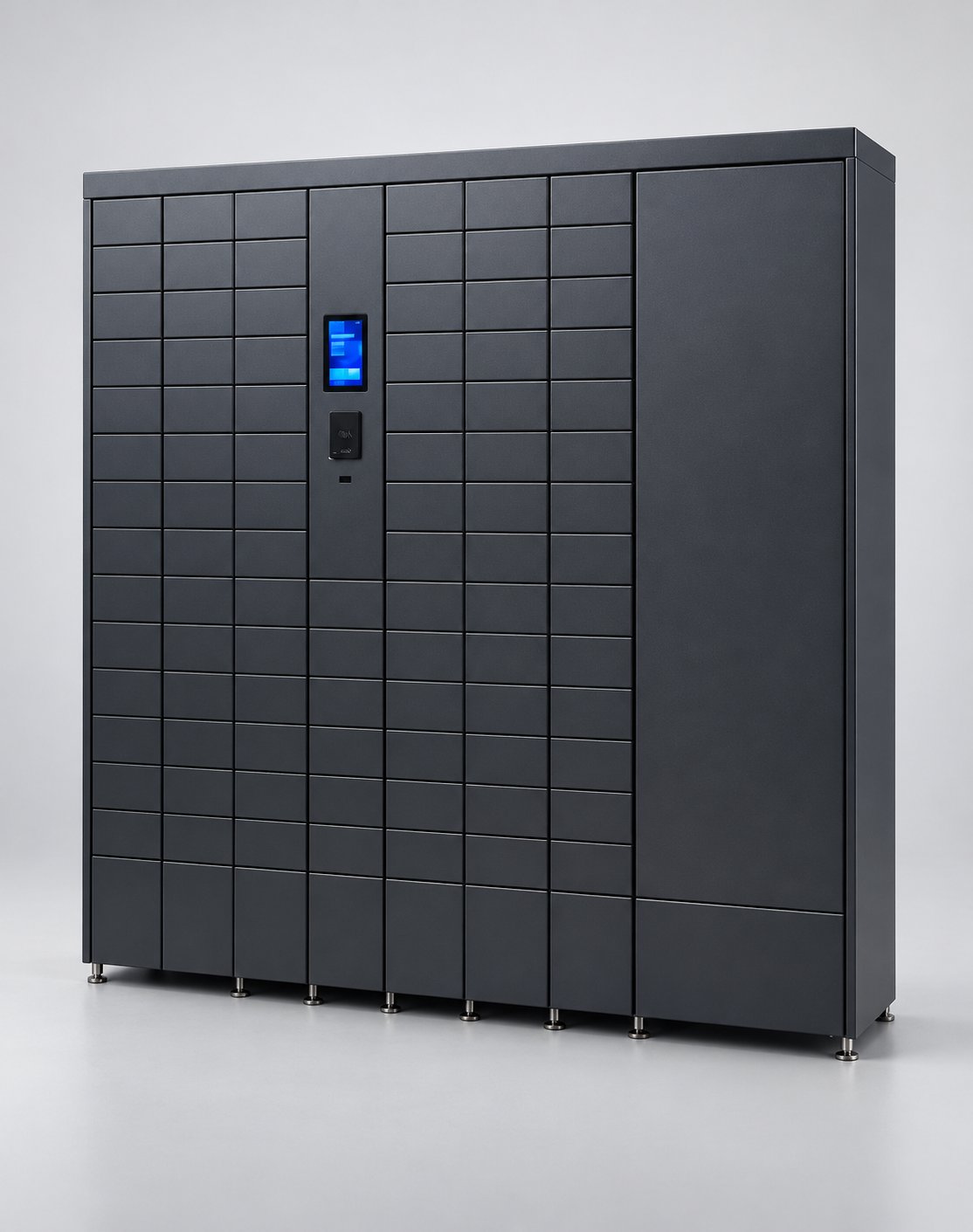
Built around the flow of a working day
A classic IT locker stores things. The Smart Asset Hub runs a process: it knows who holds which terminal, which batteries are charged, which device is overdue and which one was reported broken. Employees only see the next step; supervisors see the whole fleet.
3 core actions
Pick up, return, swap battery — each a short guided flow on the touchscreen.
1 identity per handover
Every door opening is tied to an employee, a serial number and a timestamp.
24/7 access across shifts
Night and weekend shifts get equipment without a staffed store.
Pick up
The right device, the right door
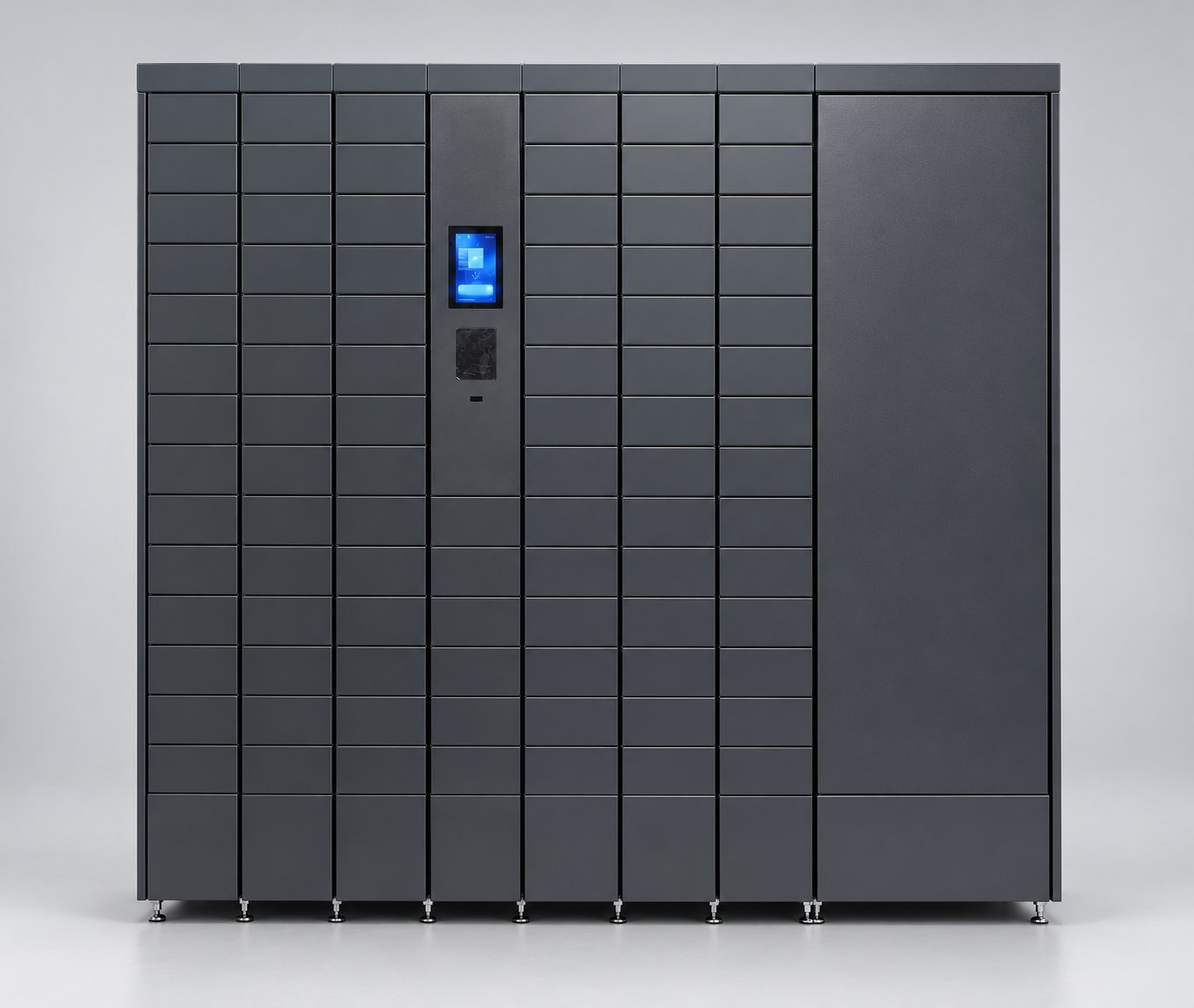
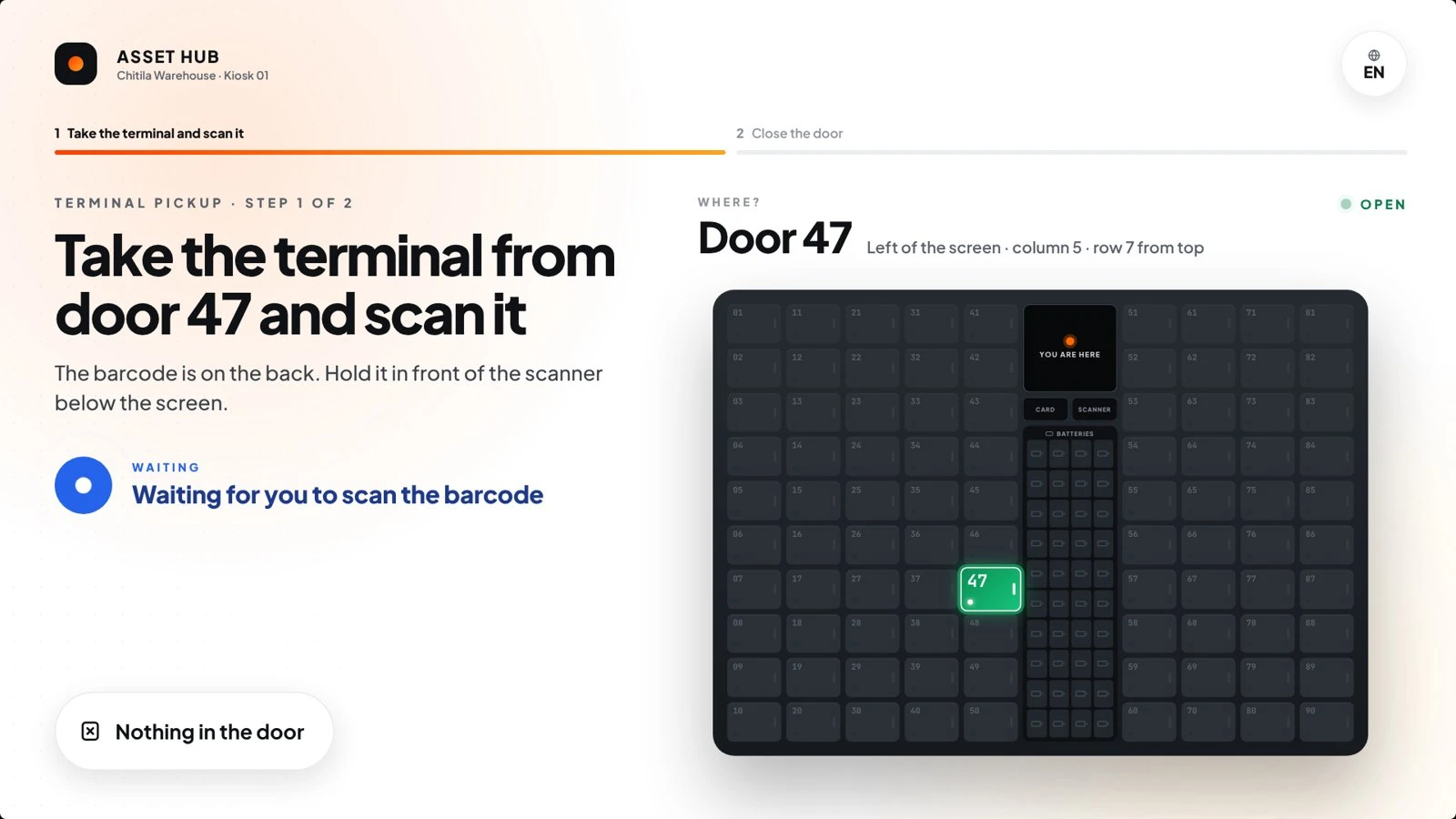
The hub hands out the best-charged terminal and shows exactly which door is open — left or right of the screen, column and row. The employee scans the barcode, closes the door, and the device is on their name.
- One device per employee — no hoarding
- Door highlighted on screen and on the cabinet
- Scan confirms the exact serial number
Battery swap
A flat battery is no longer a lost hour
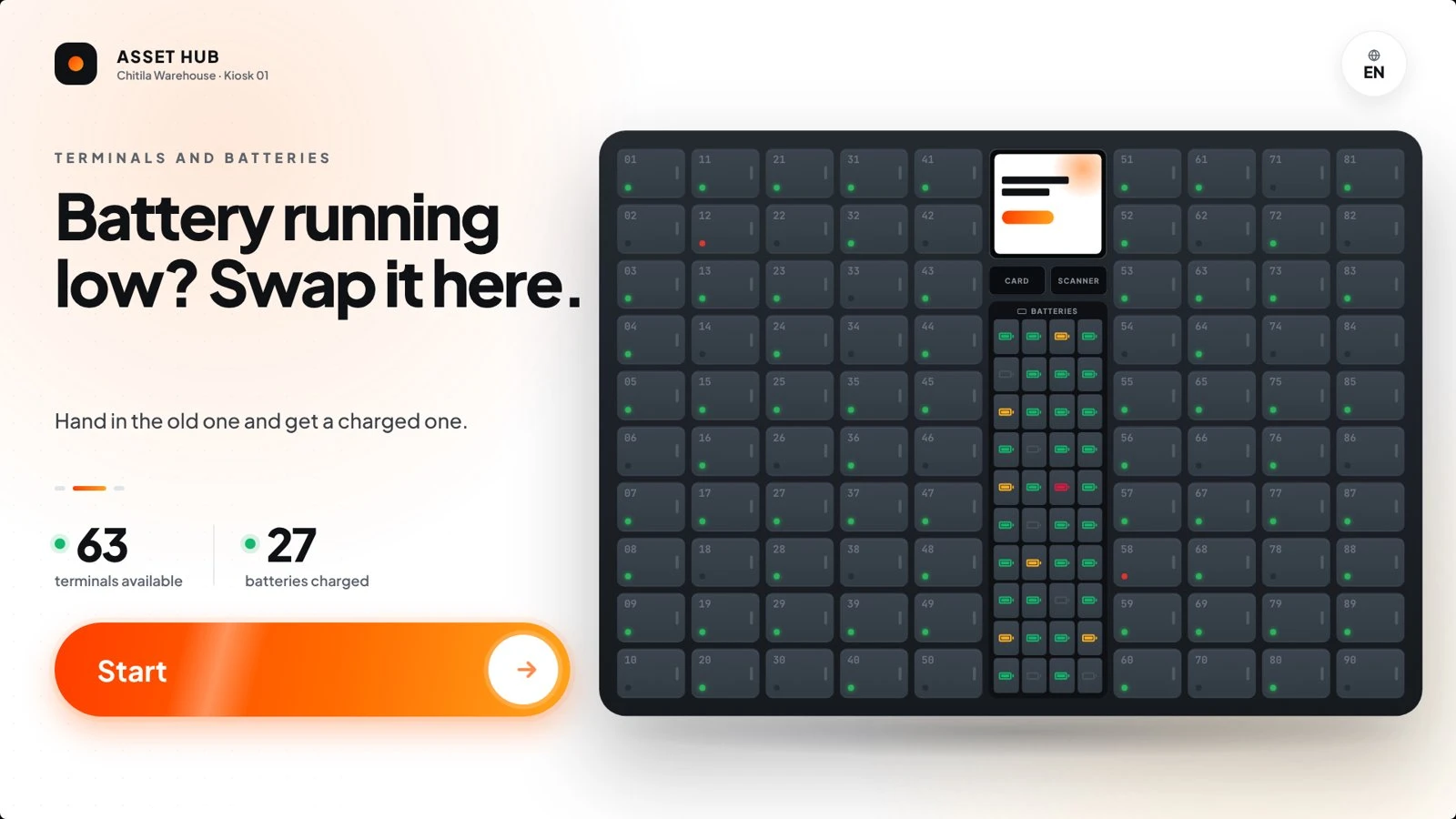
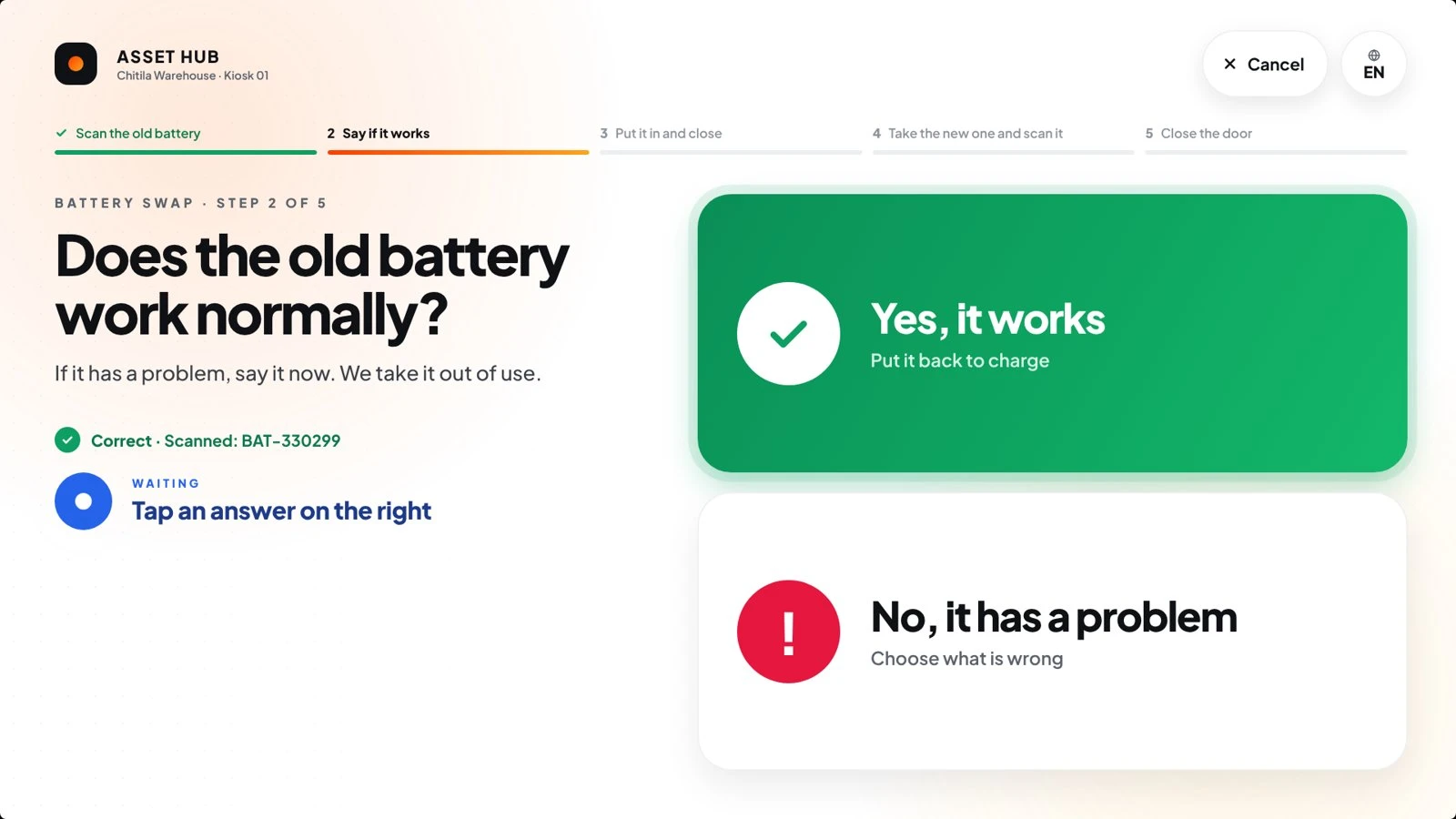
A dedicated battery module stores and charges spare batteries between uses. The operator hands back the old one, confirms whether it works, and takes a fully charged battery — the device never leaves the floor.
- Old battery in first, new battery out second
- Configurable daily swap limit per employee
- Faulty batteries flagged and taken out of rotation
Built for the floor
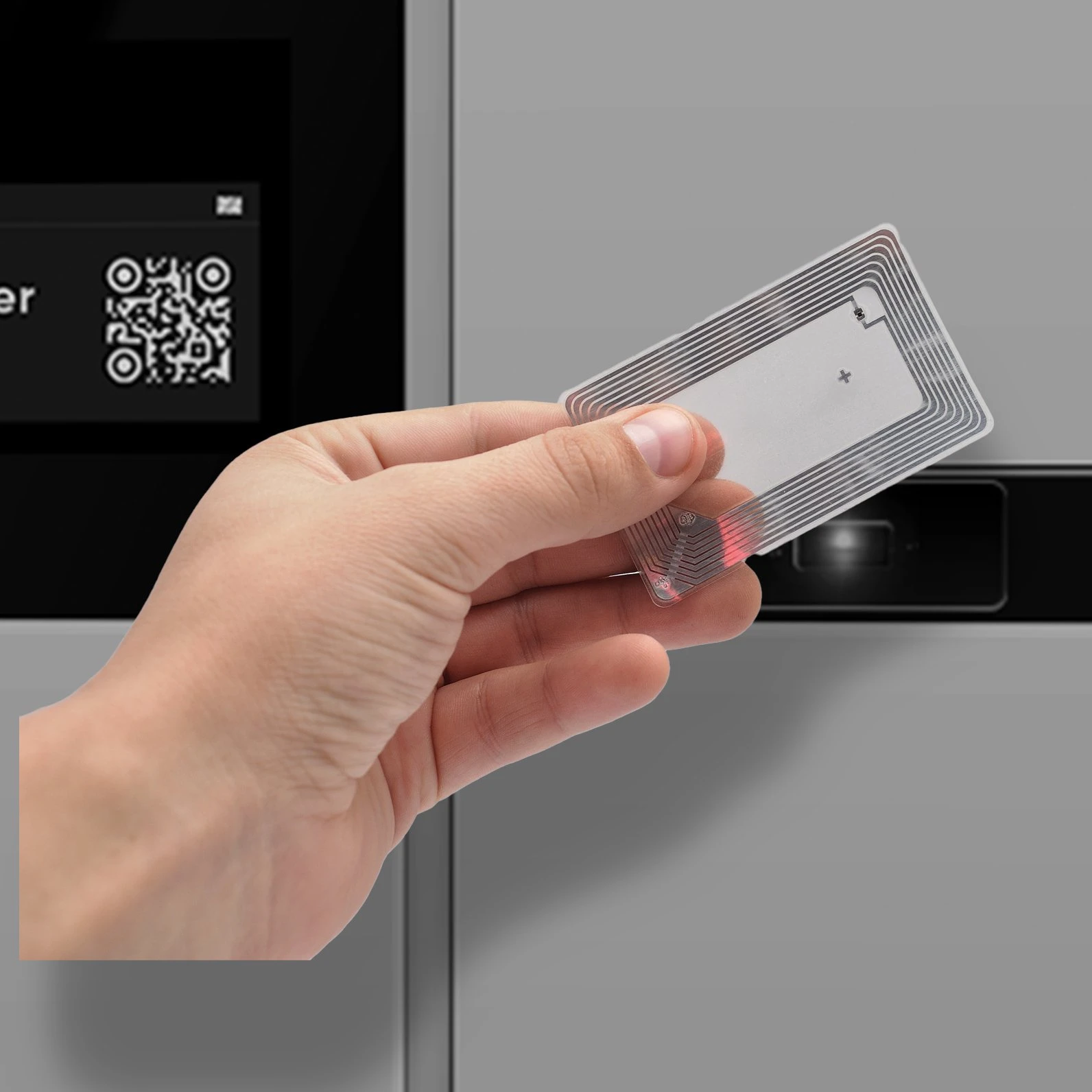
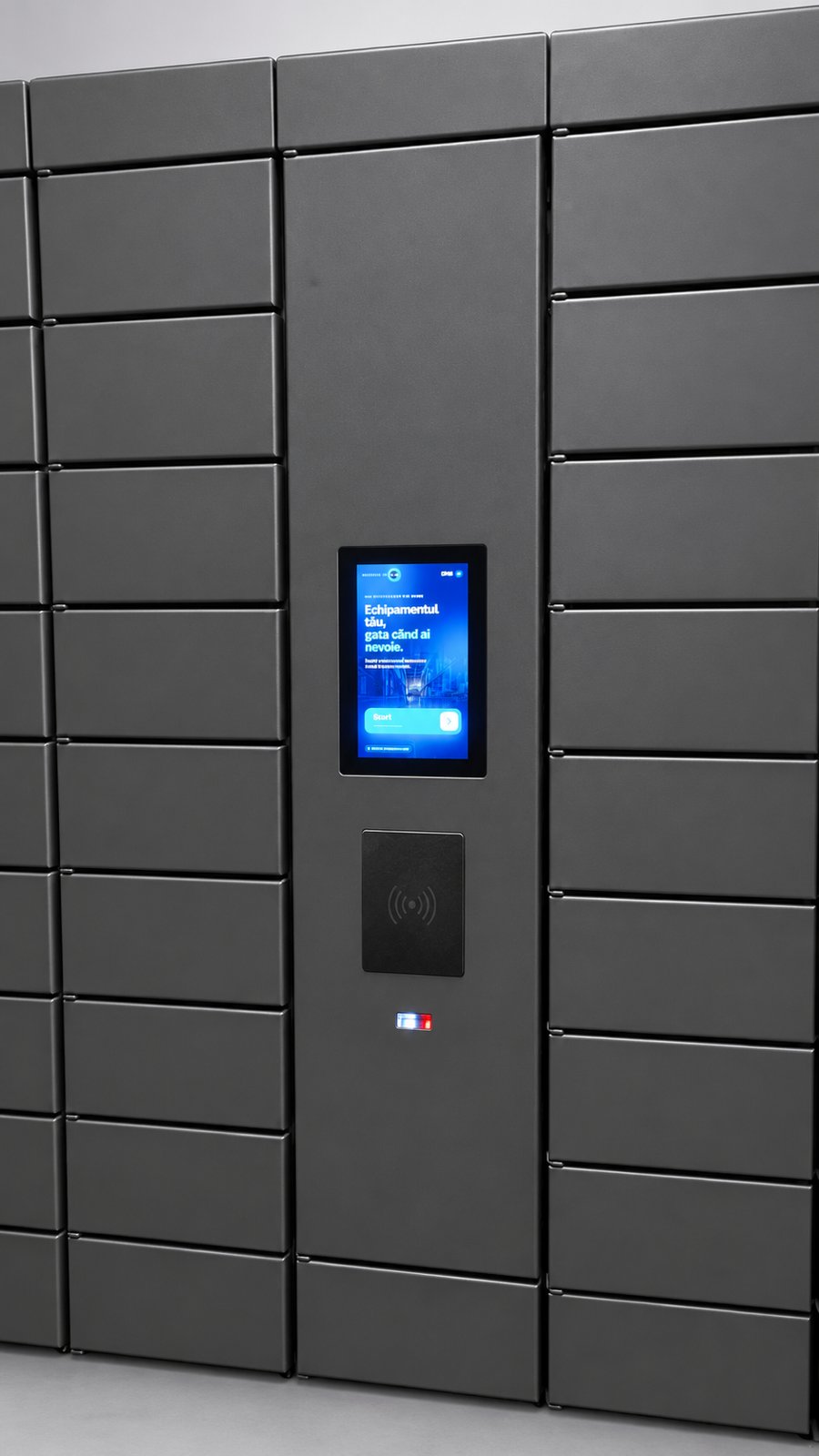
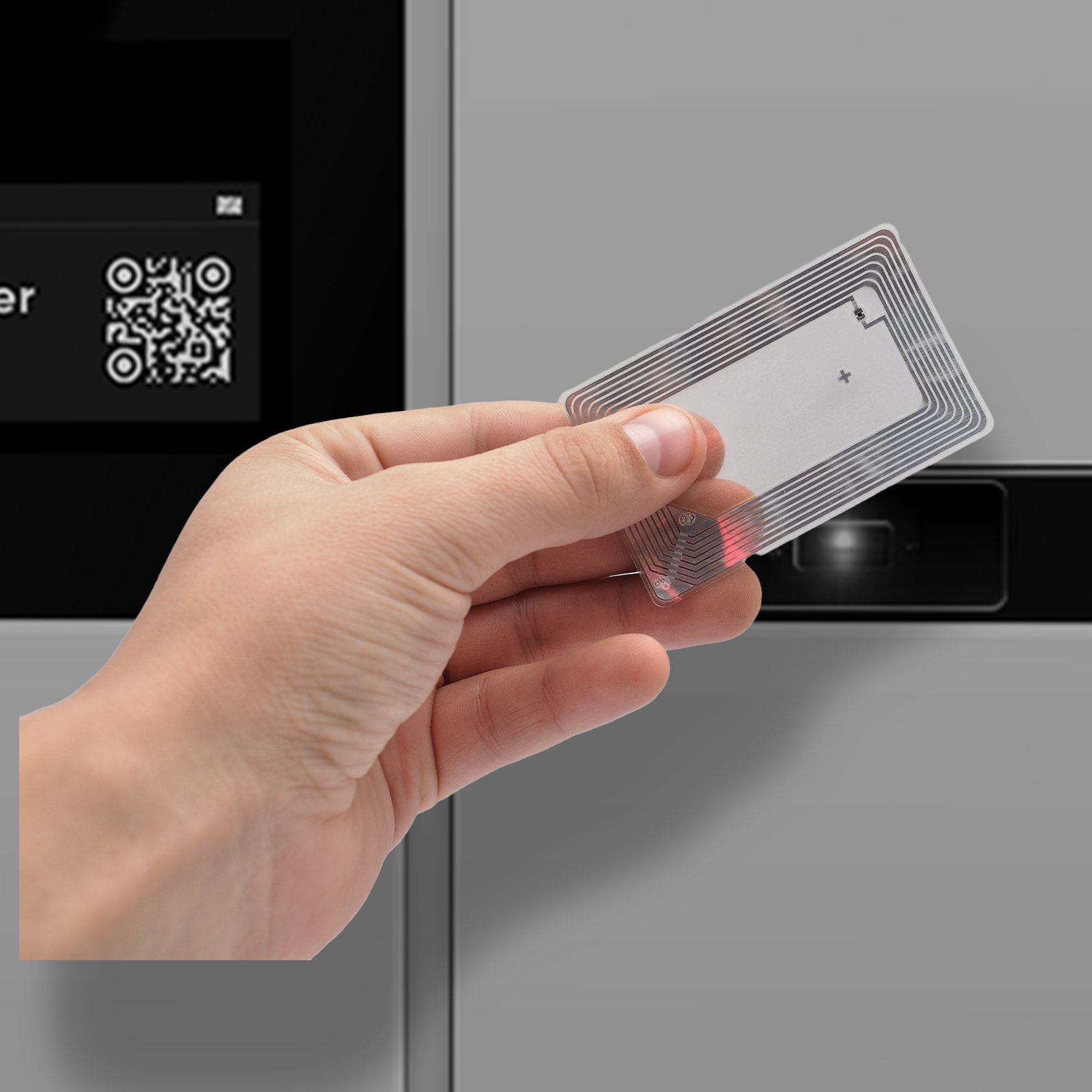
Badge, PIN or QR — at the reader
The reader and scanning area sit directly under the touchscreen.
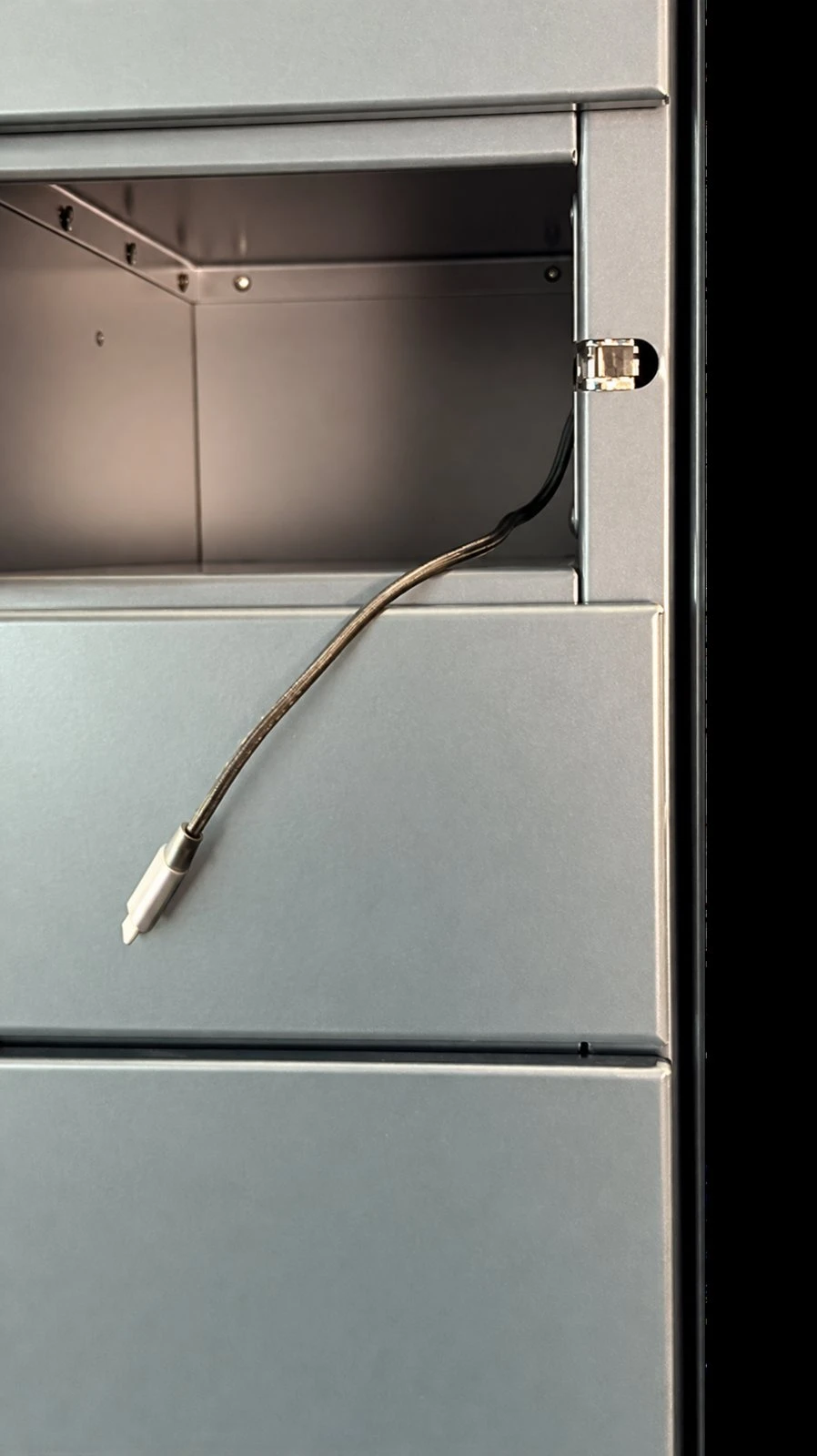
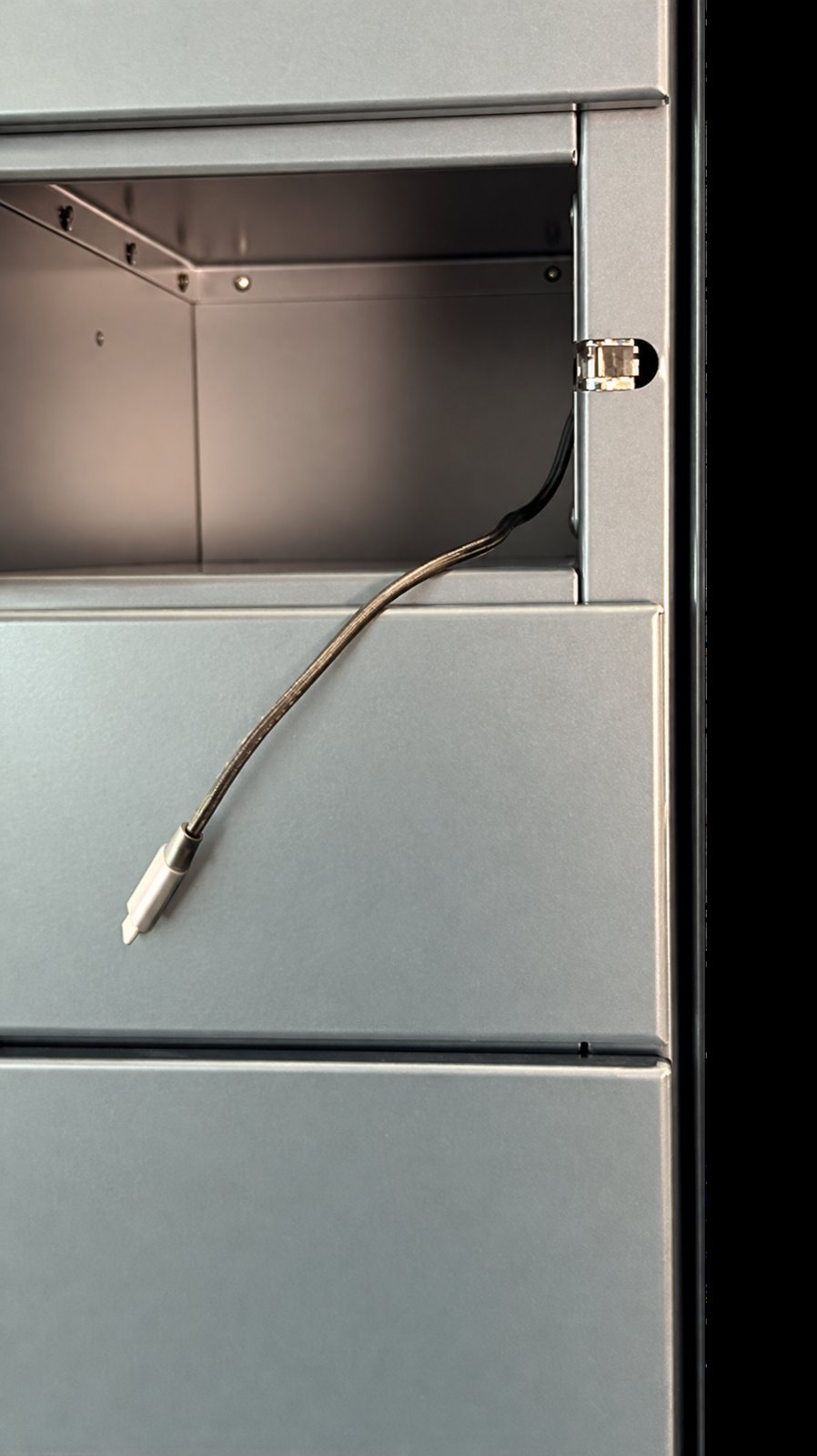
A charging lead in every door
Devices go back on charge the moment they are returned.
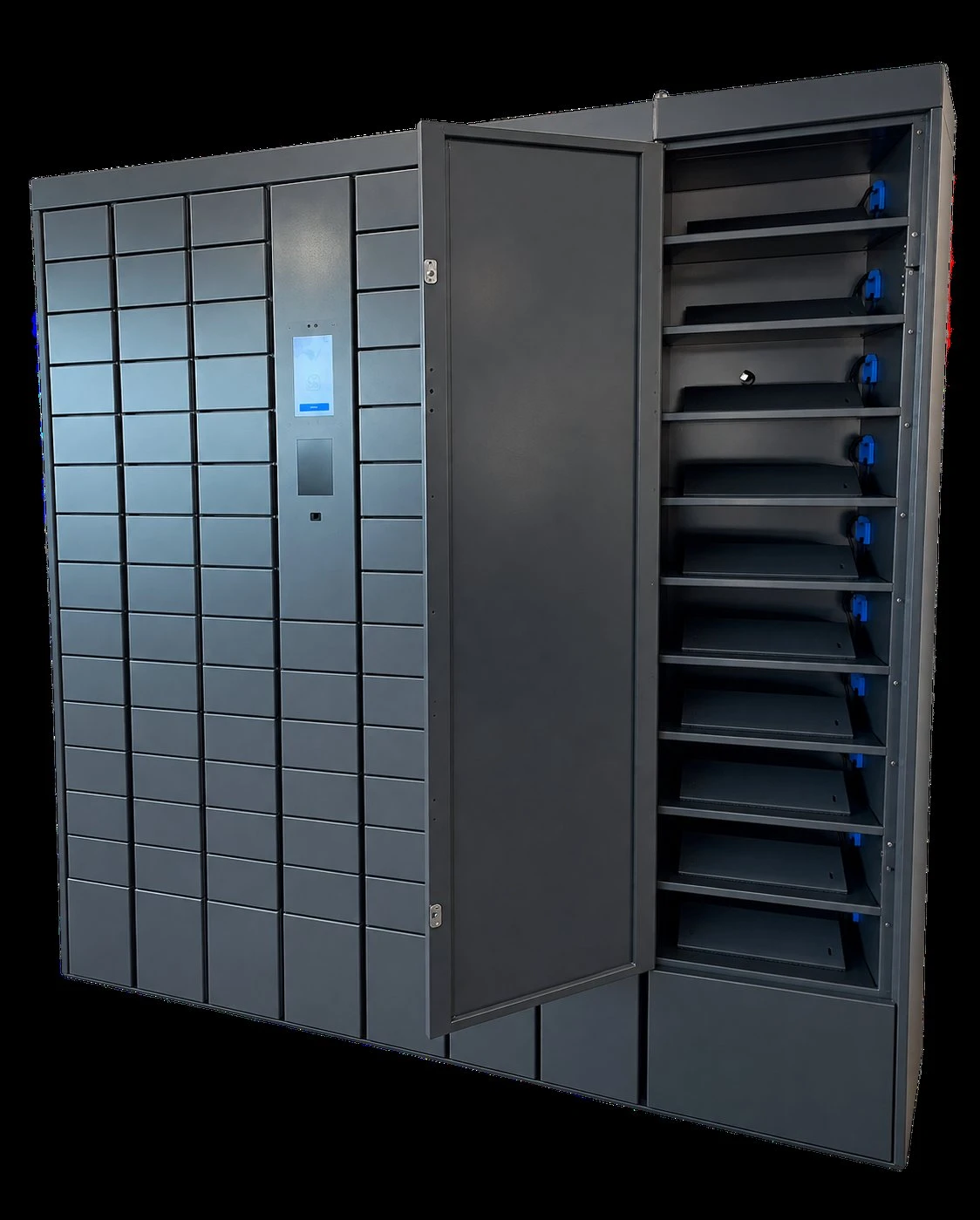
Compartments sized to your equipment
Door sizes and internal layout are matched to the devices you hand out.
How it works for employees
Authenticate
Employee card, RFID, PIN or employee QR code at the reader under the screen.
Choose
Pick up, return or swap battery. Unavailable actions explain why and what to do.
Collect
The assigned door opens; a barcode scan confirms the exact device or battery.
Return
Report any defect, plug into the charging lead, close the door. Done.
For shift supervisors
Every door, every battery, at a glance
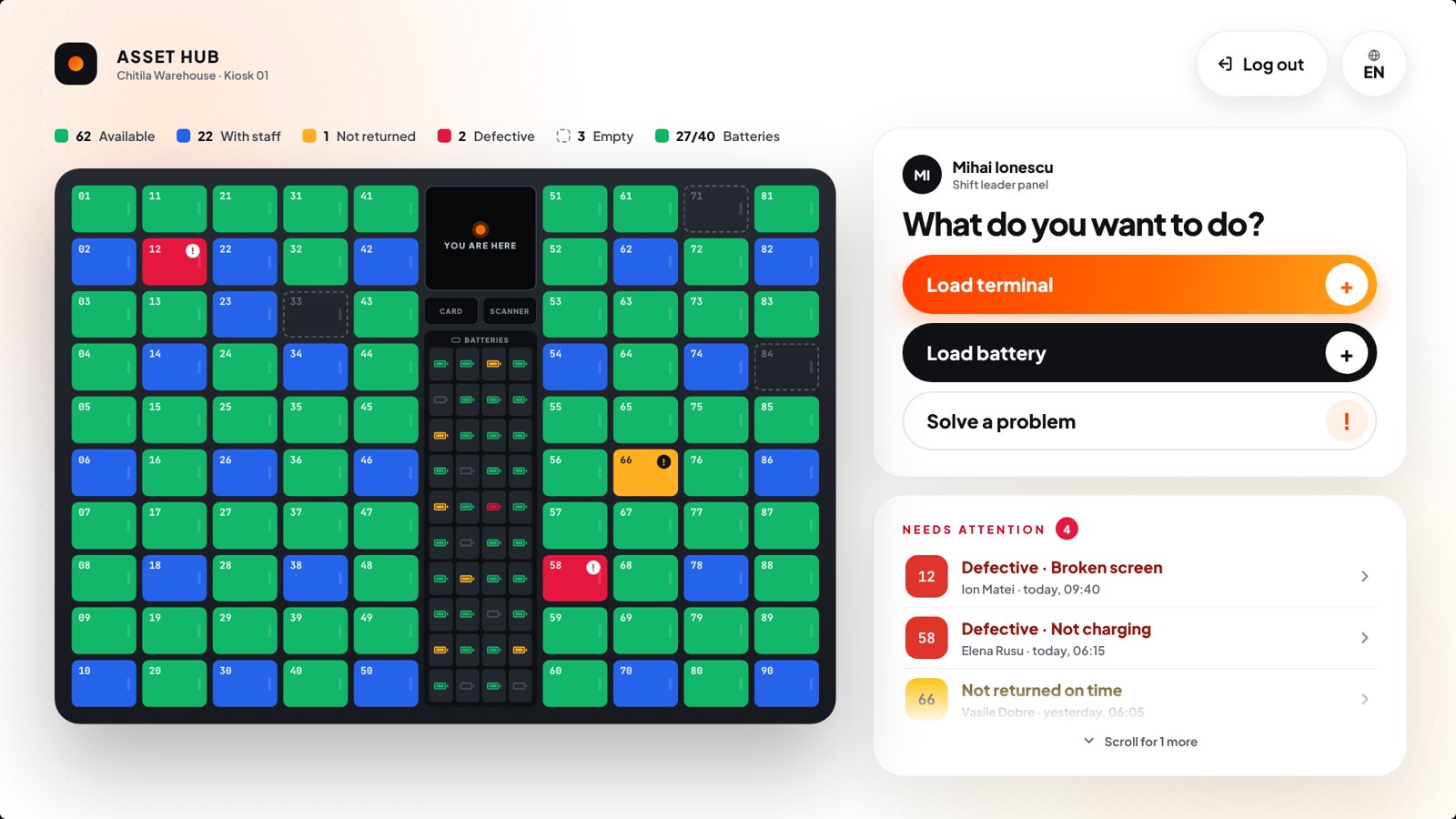
Supervisors badge in to a live map of the hub: available, with employees, overdue, defective or empty — then load new devices, withdraw broken ones or open a door directly.
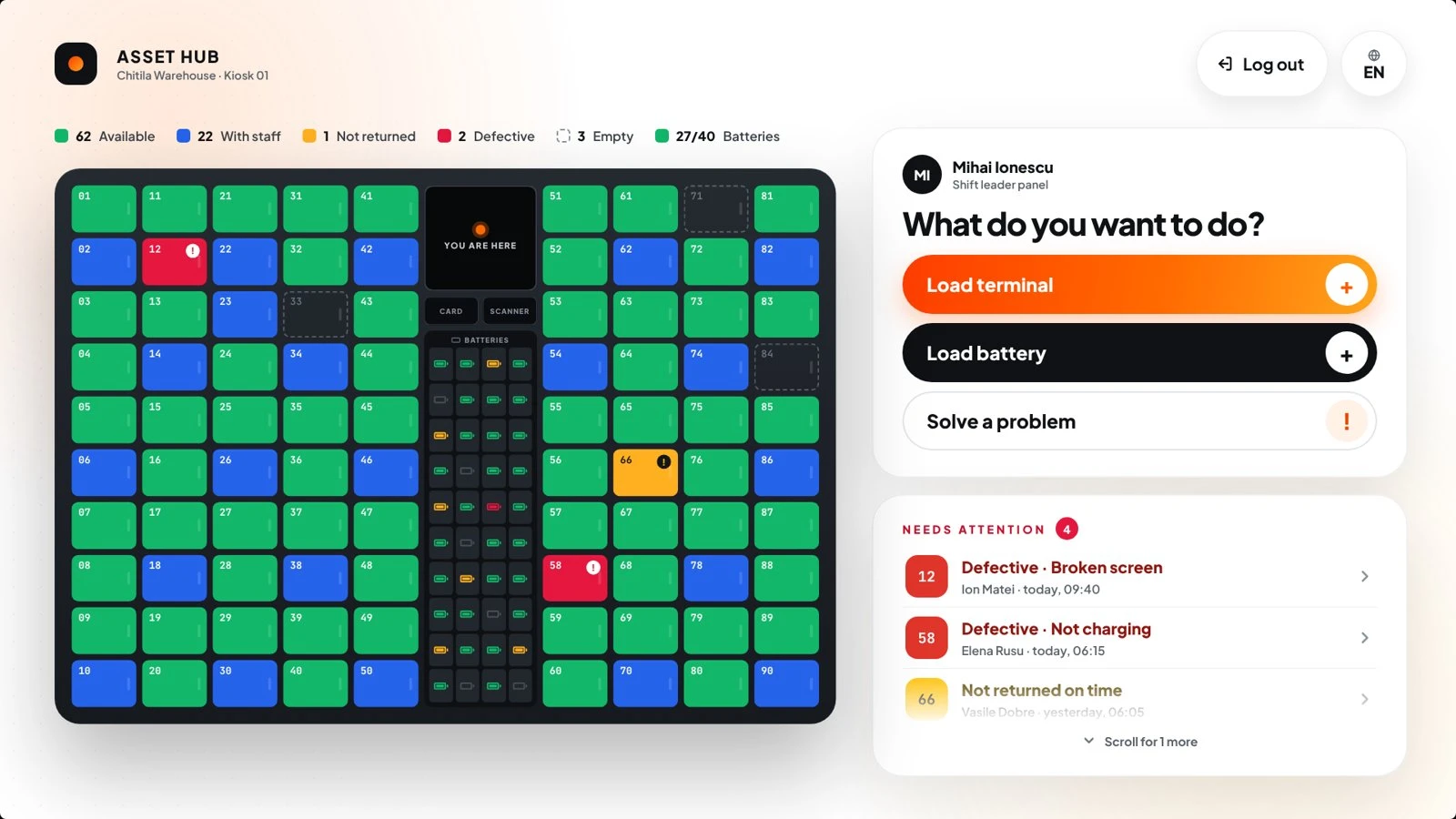
What’s inside
Flexible authentication
Employee card, RFID, PIN or employee QR code — one access method across the whole Bobnet range.
Charging in every door
An attached charging lead inside each compartment keeps returned devices ready for the next shift.
Spare-battery module
A dedicated module stores and charges spare equipment batteries between shifts.
Defect & overdue alerts
Faults reported at return and devices not returned on time show up for the supervisor immediately.
Automated reports
Who took what, and when — handover history to follow usage and support audits.
Multilingual interface
The kiosk switches language per user — built for mixed, international shift teams.
Where the hub fits
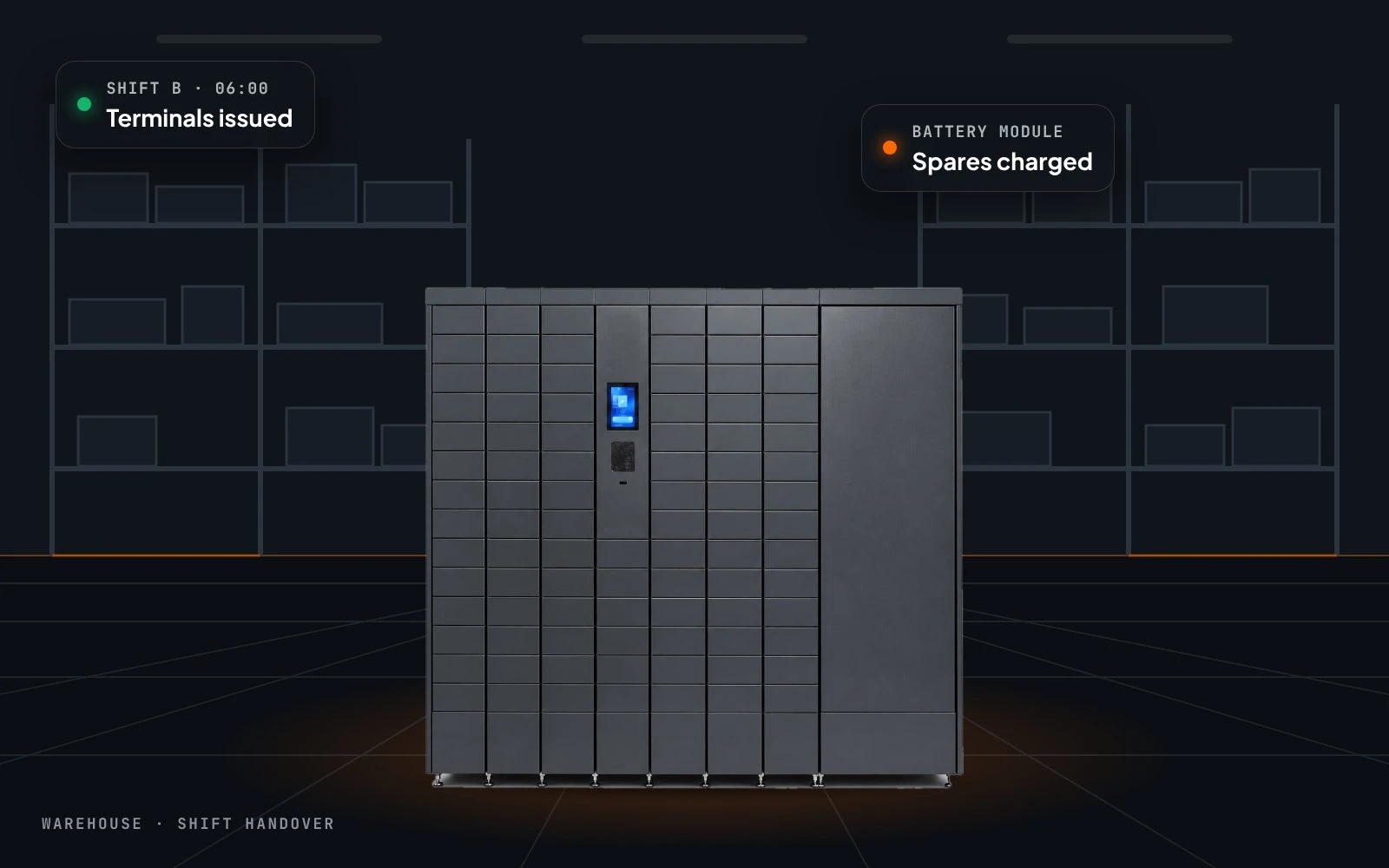
Warehouses
Handheld scanners and terminals across changing shifts.
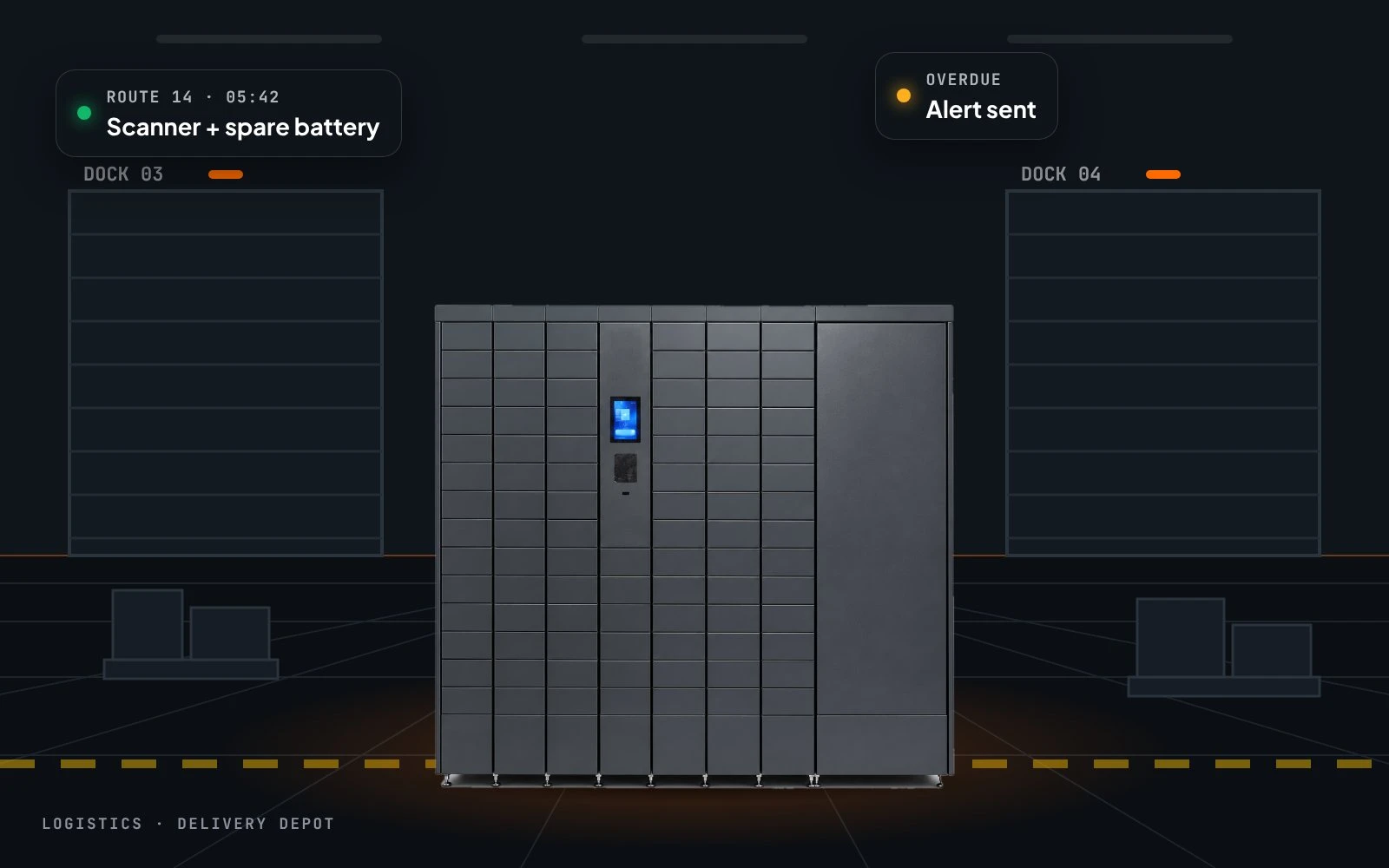
Logistics & fleets
Driver devices and spare batteries handed over automatically.
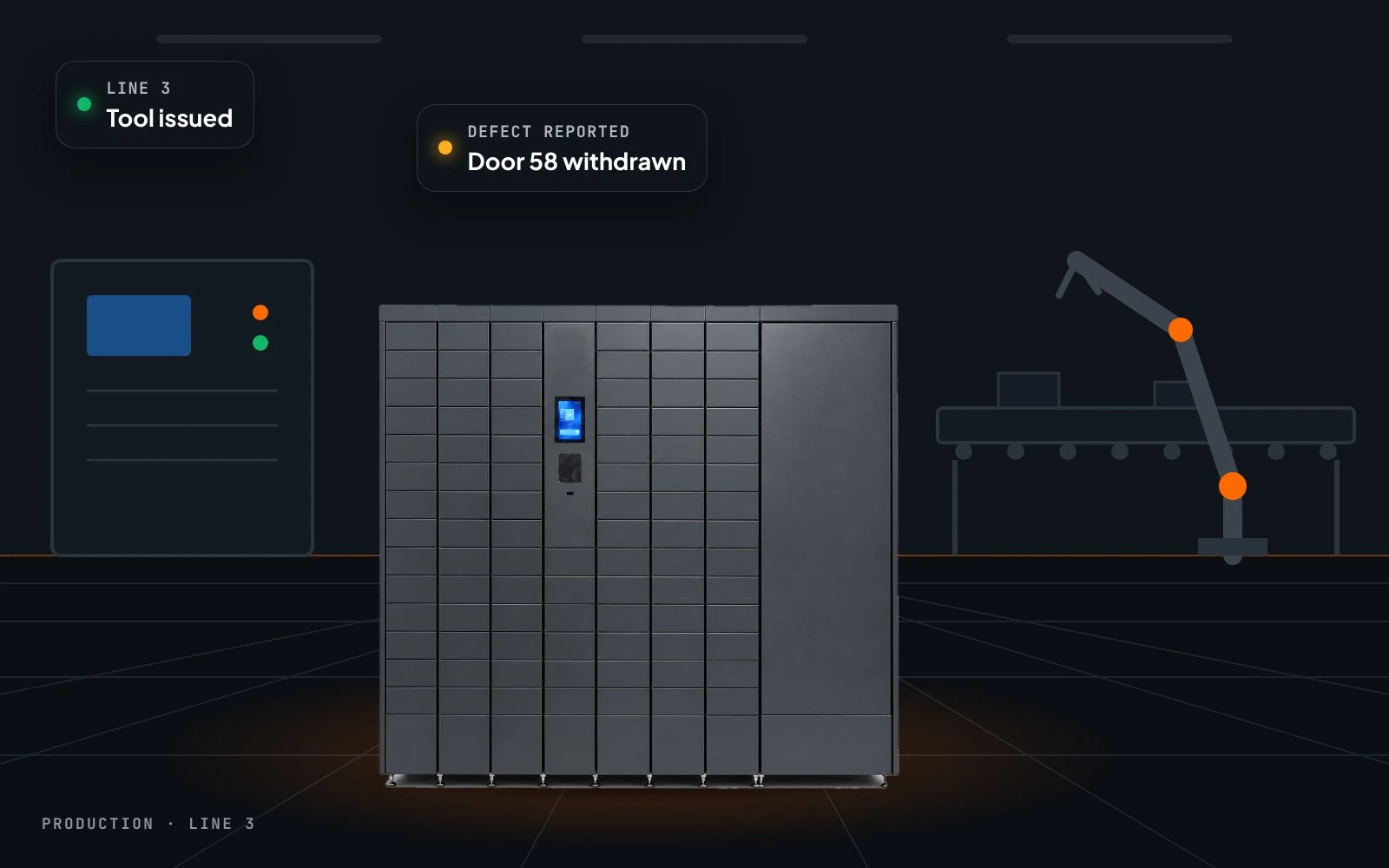
Production
Tools and equipment close to the workstations.
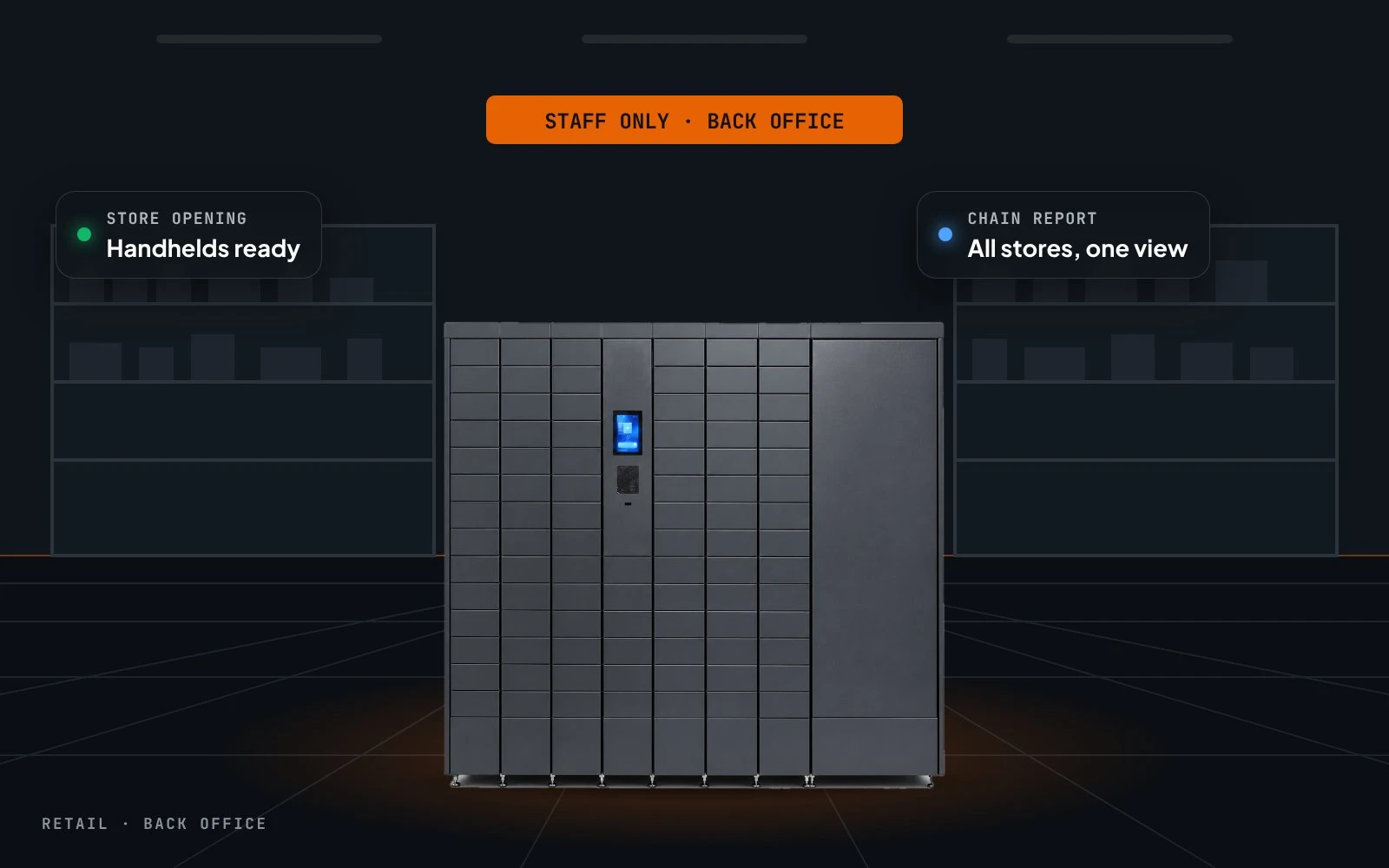
Retail stores
Staff handhelds and payment terminals, charged and tracked.
Key specifications
Compartment sizes, number of doors and battery bays are configured to the equipment you hand out.
| Interface | Touchscreen kiosk |
|---|---|
| Identification | Employee card, RFID, PIN or employee QR code |
| Item verification | Integrated barcode scanner |
| Compartments | Individually controlled doors with charging lead |
| Battery module | Optional, with charging bays |
| Backup power | Optional internal battery for operation during outages |
| Power supply | 230 V AC, 47–63 Hz |
| Connectivity | Ethernet, Wi-Fi, LTE/4G |
| Software | BobnetOS · Bobnet CMS · automated reports |
Size the hub to your fleet
Tell us which devices you hand out and how many shifts you run — we configure doors, battery bays and reports.