0

Smart Asset Hub

A self-service equipment hub for shift-based operations. Employees pick up, return and recharge handheld terminals, scanners, radios and spare batteries at the point of use — every handover linked to a person, a device and a time.

Request Quote

Equipment hub · not just a locker

The shift starts at the hub.

One station where every operator collects a charged device, swaps a flat battery and hands equipment back at the end of the shift — without a storekeeper, a paper log or a queue.

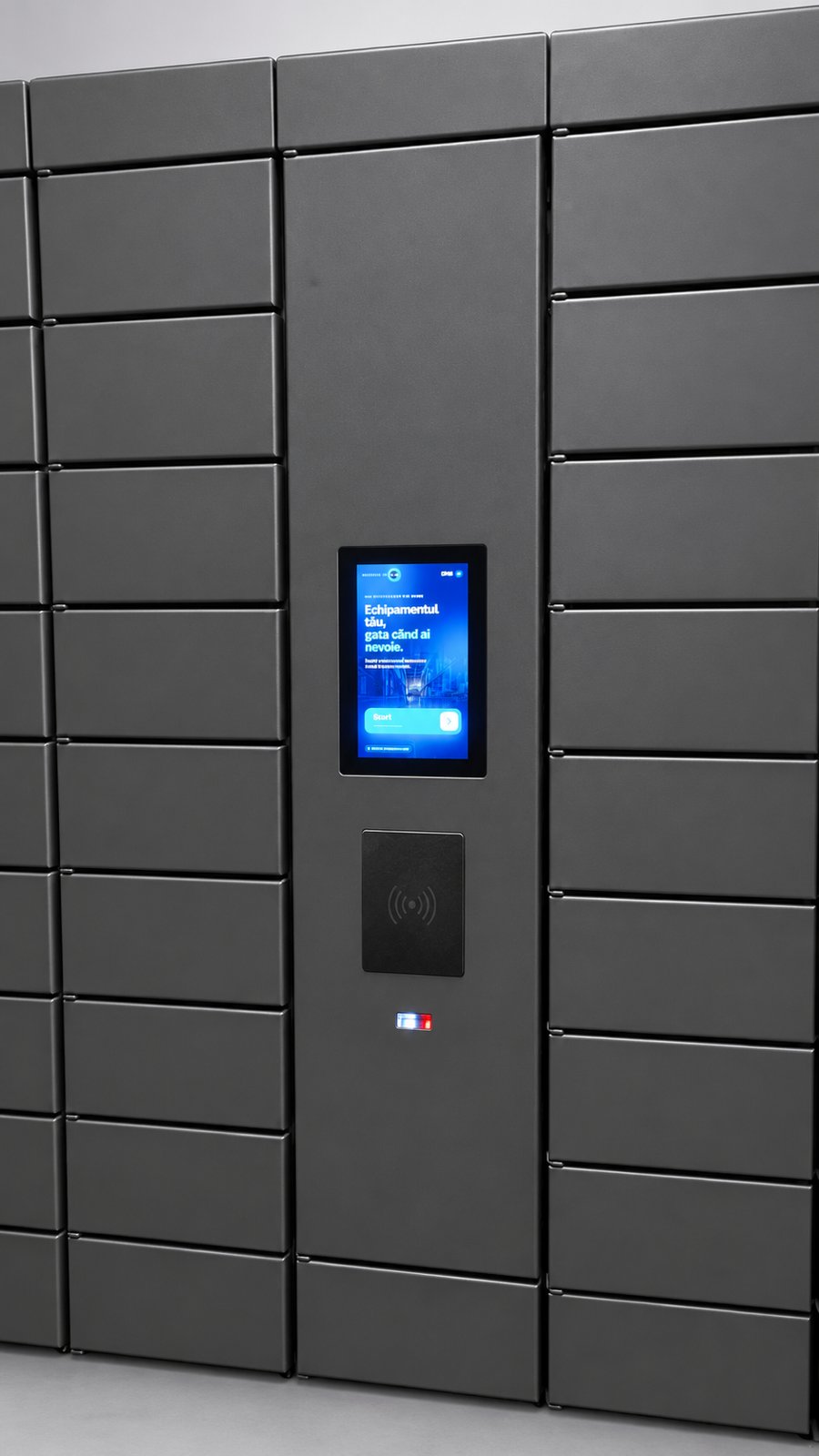
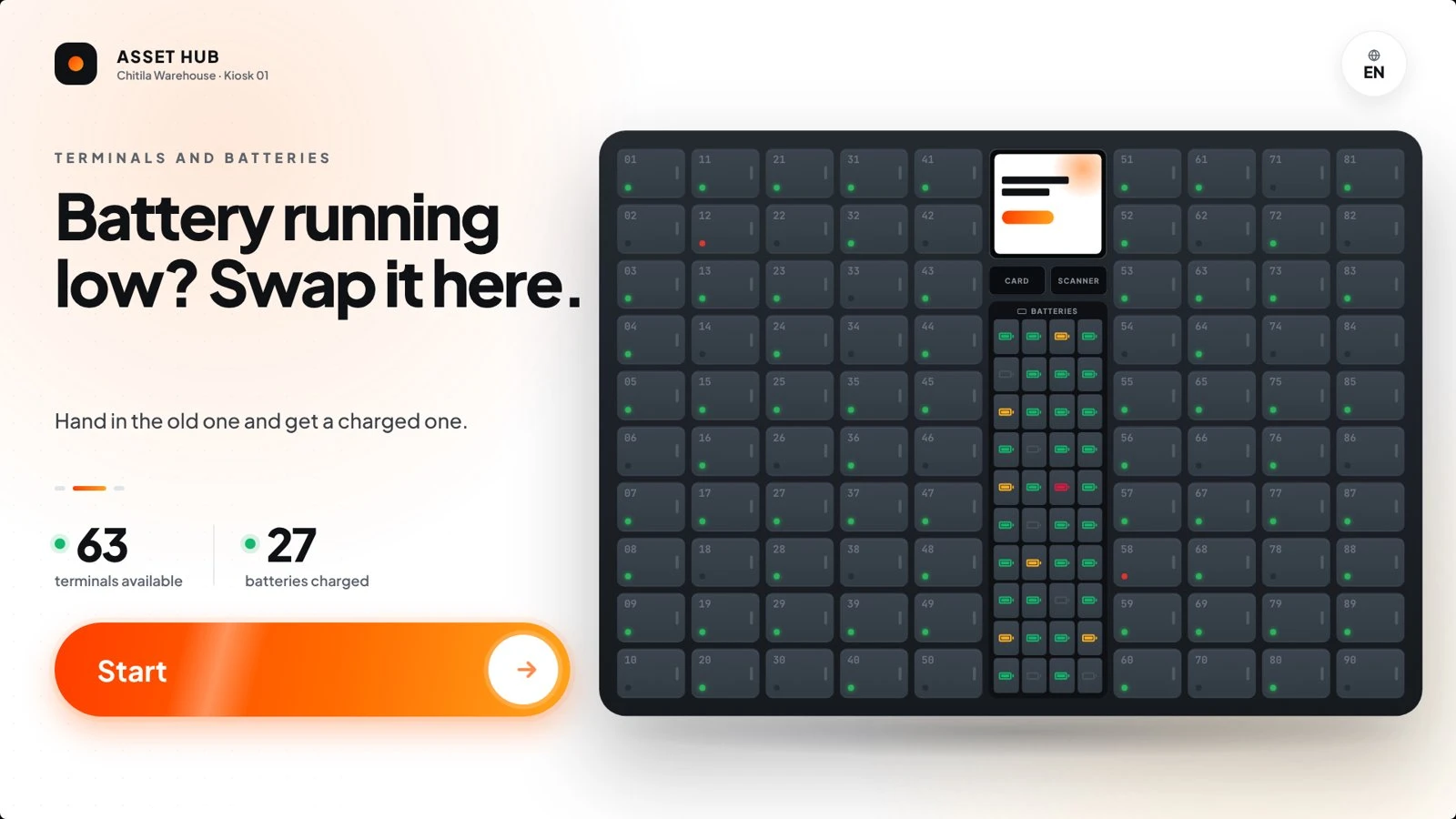
Smart Asset Hub kiosk start screen

Built around the flow of a working day

A classic IT locker stores things. The Smart Asset Hub runs a process: it knows who holds which terminal, which batteries are charged, which device is overdue and which one was reported broken. Employees only see the next step; supervisors see the whole fleet.

3 core actions

Pick up, return, swap battery — each a short guided flow on the touchscreen.

1 identity per handover

Every door opening is tied to an employee, a serial number and a timestamp.

24/7 access across shifts

Night and weekend shifts get equipment without a staffed store.
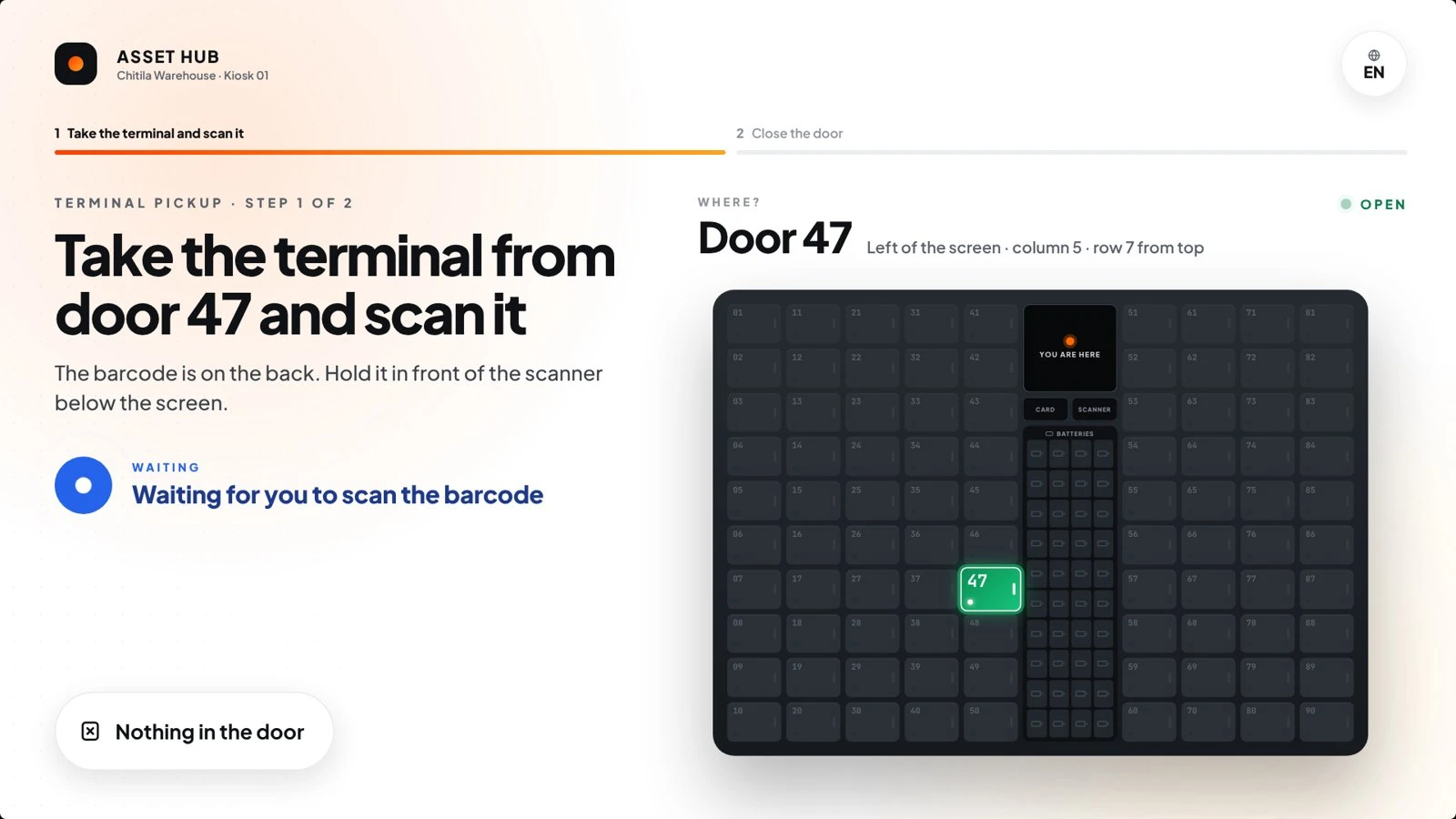
Smart Asset Hub pickup screen showing the open door

Pick up

The right device, the right door

The hub hands out the best-charged terminal and shows exactly which door is open — left or right of the screen, column and row. The employee scans the barcode, closes the door, and the device is on their name.

  • One device per employee — no hoarding
  • Door highlighted on screen and on the cabinet
  • Scan confirms the exact serial number

Battery swap

A flat battery is no longer a lost hour

A dedicated battery module stores and charges spare batteries between uses. The operator hands back the old one, confirms whether it works, and takes a fully charged battery — the device never leaves the floor.

  • Old battery in first, new battery out second
  • Configurable daily swap limit per employee
  • Faulty batteries flagged and taken out of rotation
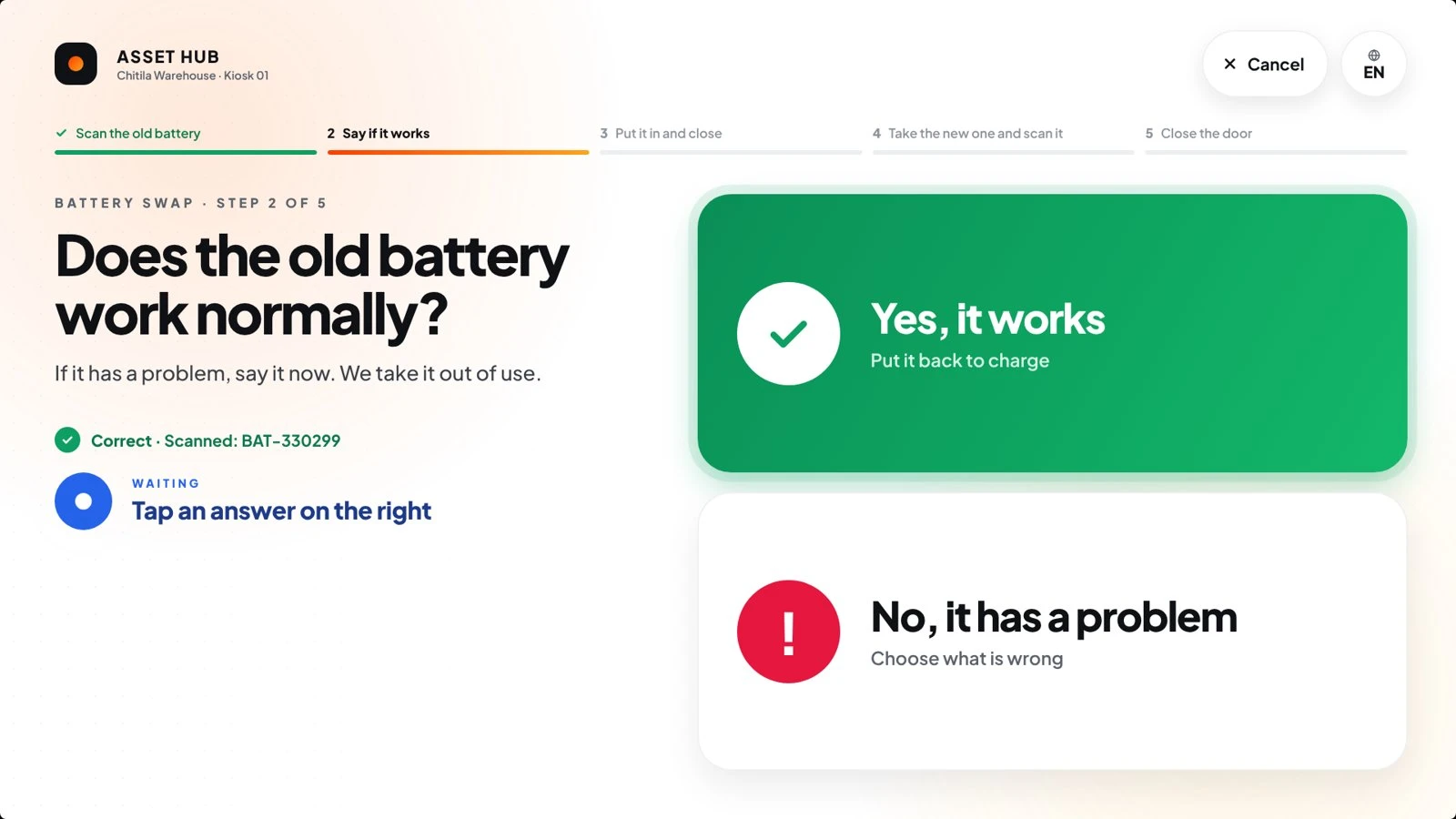
Smart Asset Hub battery swap screen

Built for the floor

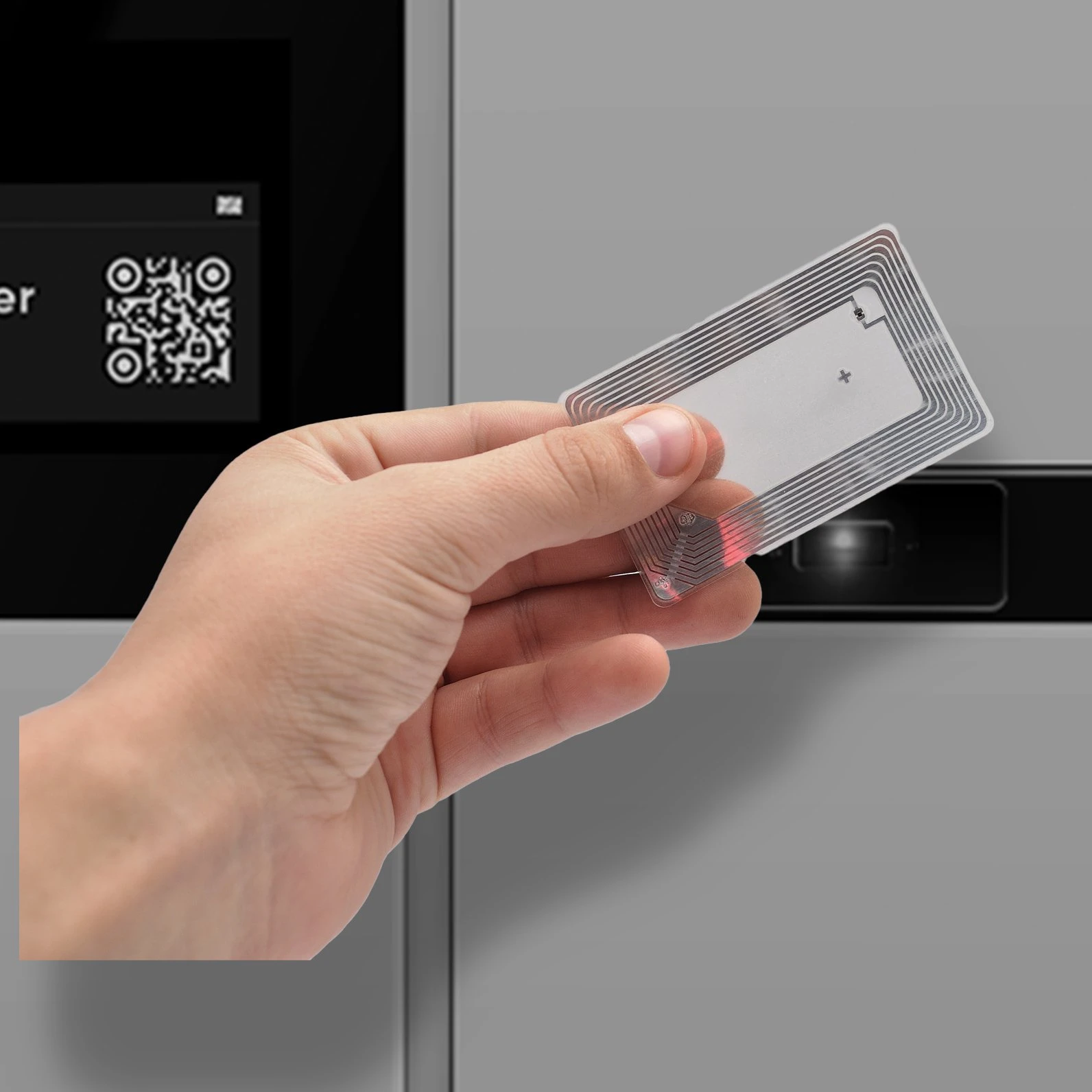
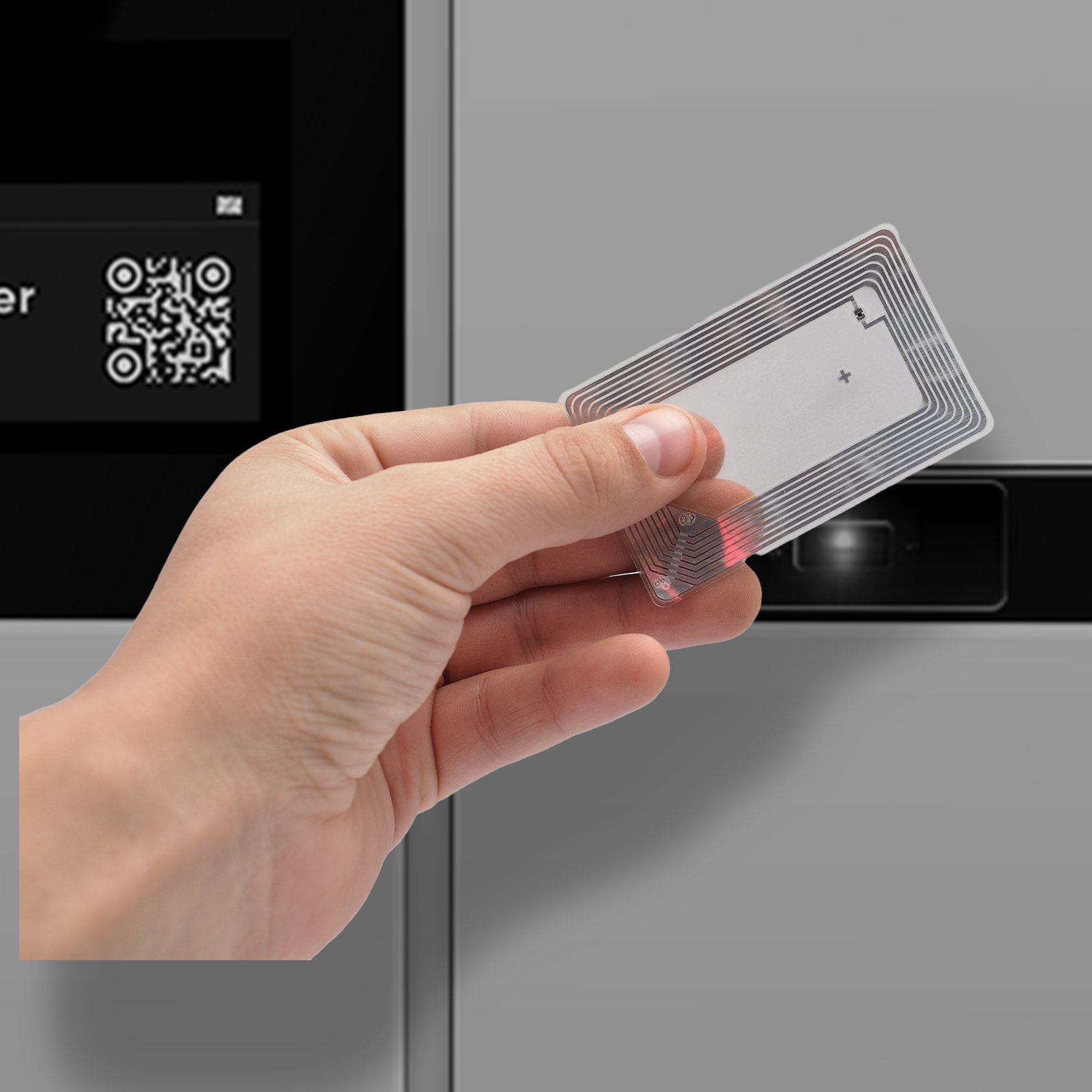
Employee badge at the Smart Asset Hub reader

Badge, PIN or QR — at the reader

The reader and scanning area sit directly under the touchscreen.
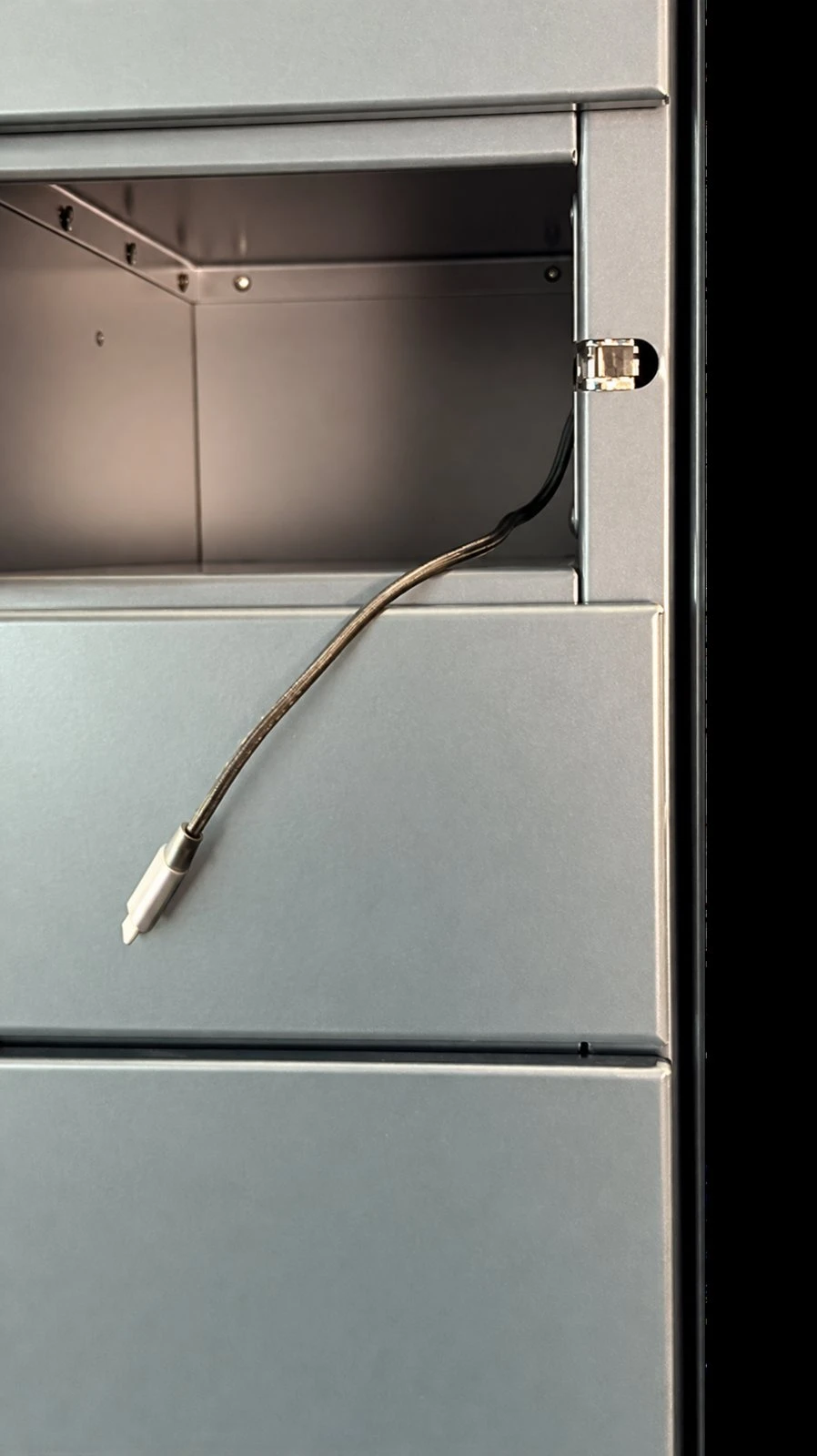
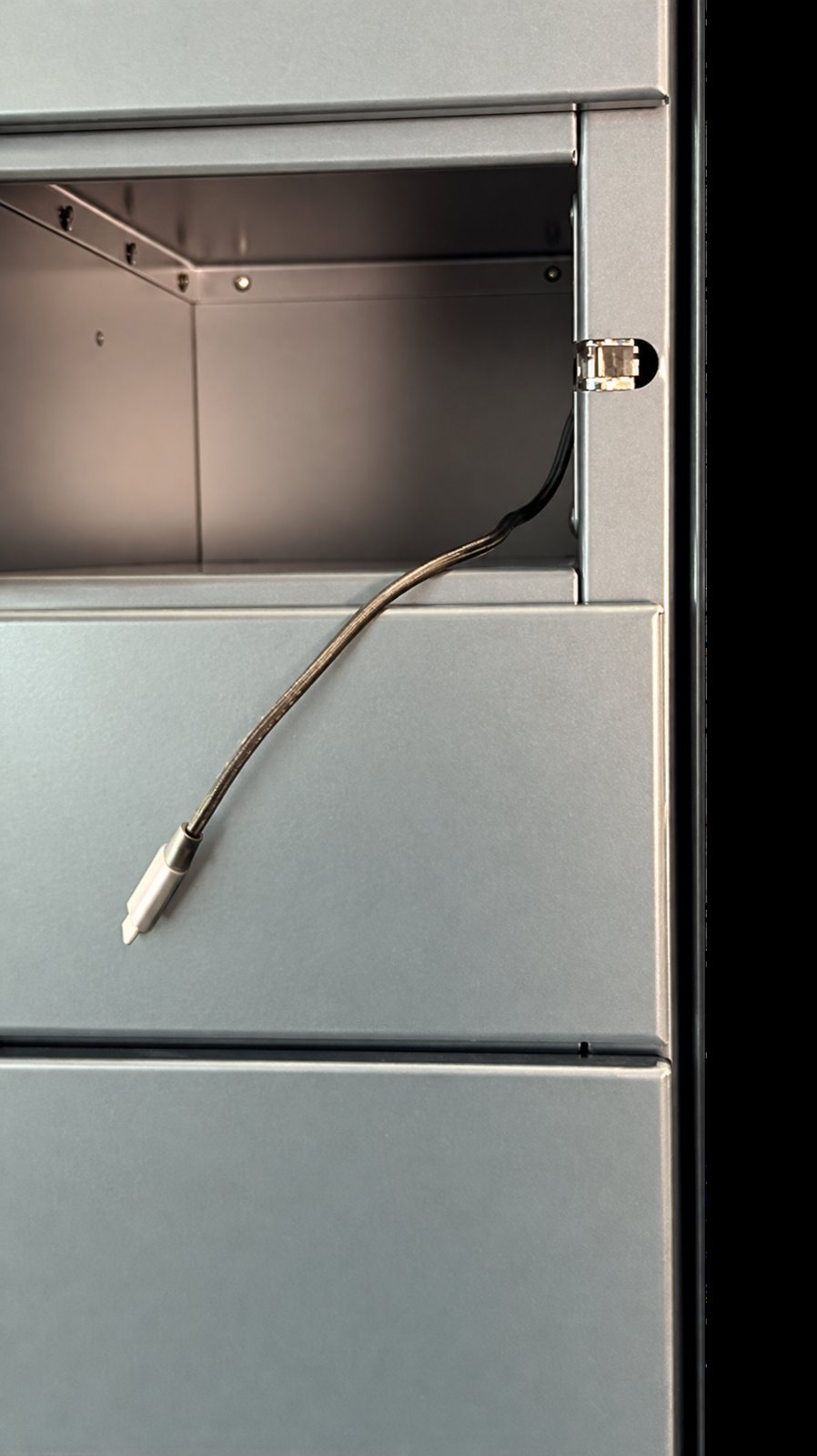
Compartment with charging lead

A charging lead in every door

Devices go back on charge the moment they are returned.
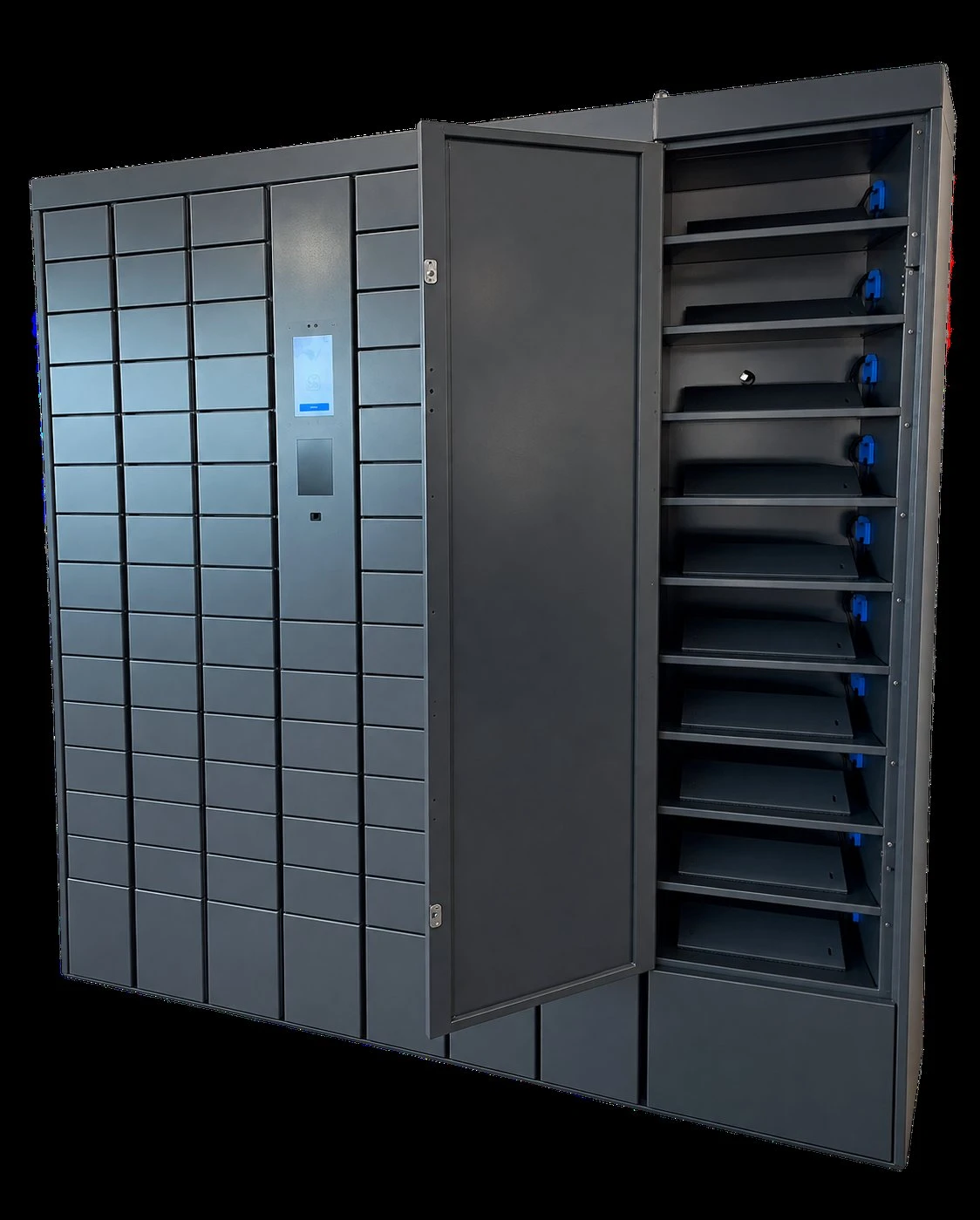
Smart Asset Hub with a large door open

Compartments sized to your equipment

Door sizes and internal layout are matched to the devices you hand out.

How it works for employees

1

Authenticate

Employee card, RFID, PIN or employee QR code at the reader under the screen.

2

Choose

Pick up, return or swap battery. Unavailable actions explain why and what to do.

3

Collect

The assigned door opens; a barcode scan confirms the exact device or battery.

4

Return

Report any defect, plug into the charging lead, close the door. Done.

For shift supervisors

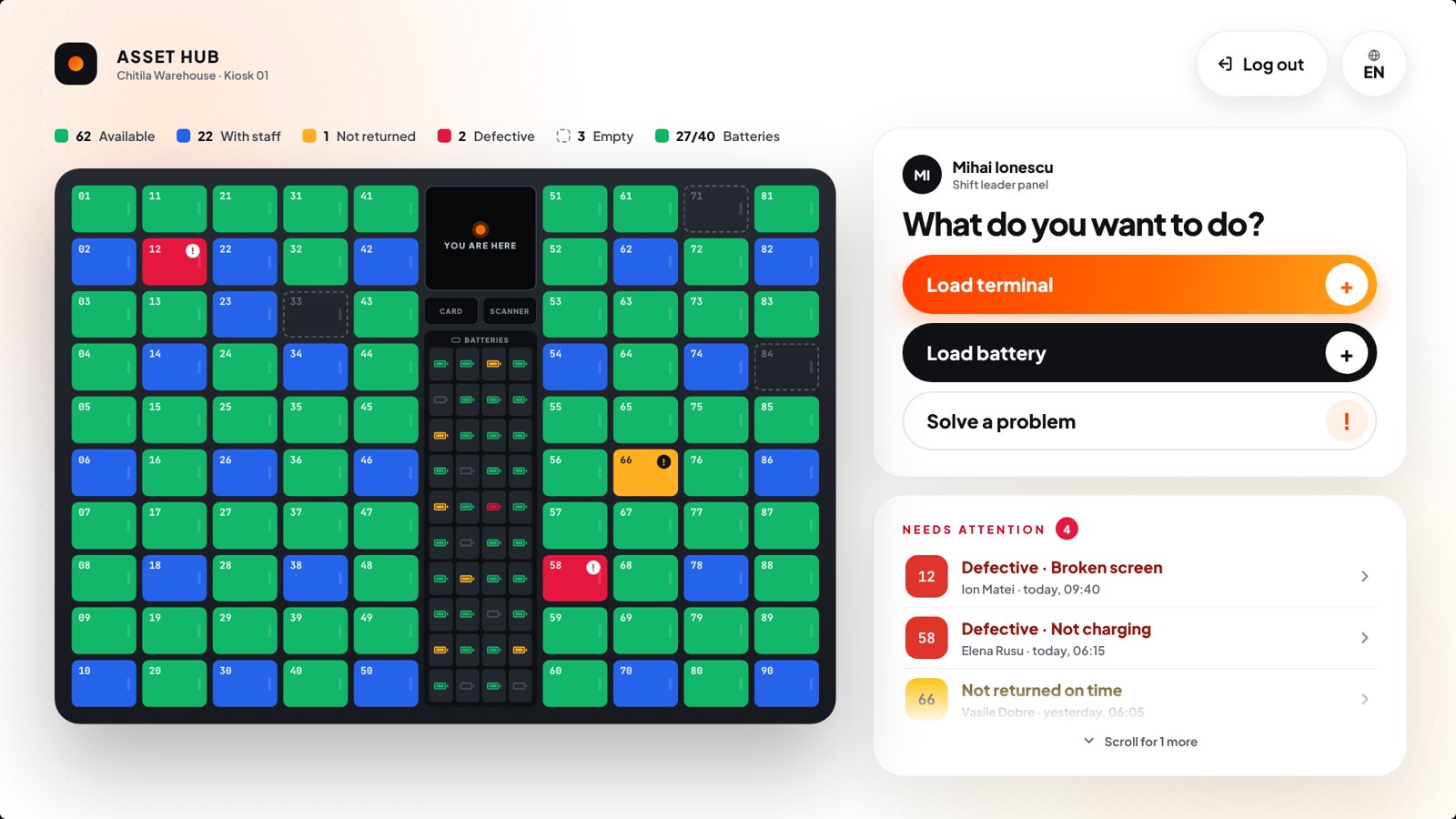
Every door, every battery, at a glance

Supervisors badge in to a live map of the hub: available, with employees, overdue, defective or empty — then load new devices, withdraw broken ones or open a door directly.
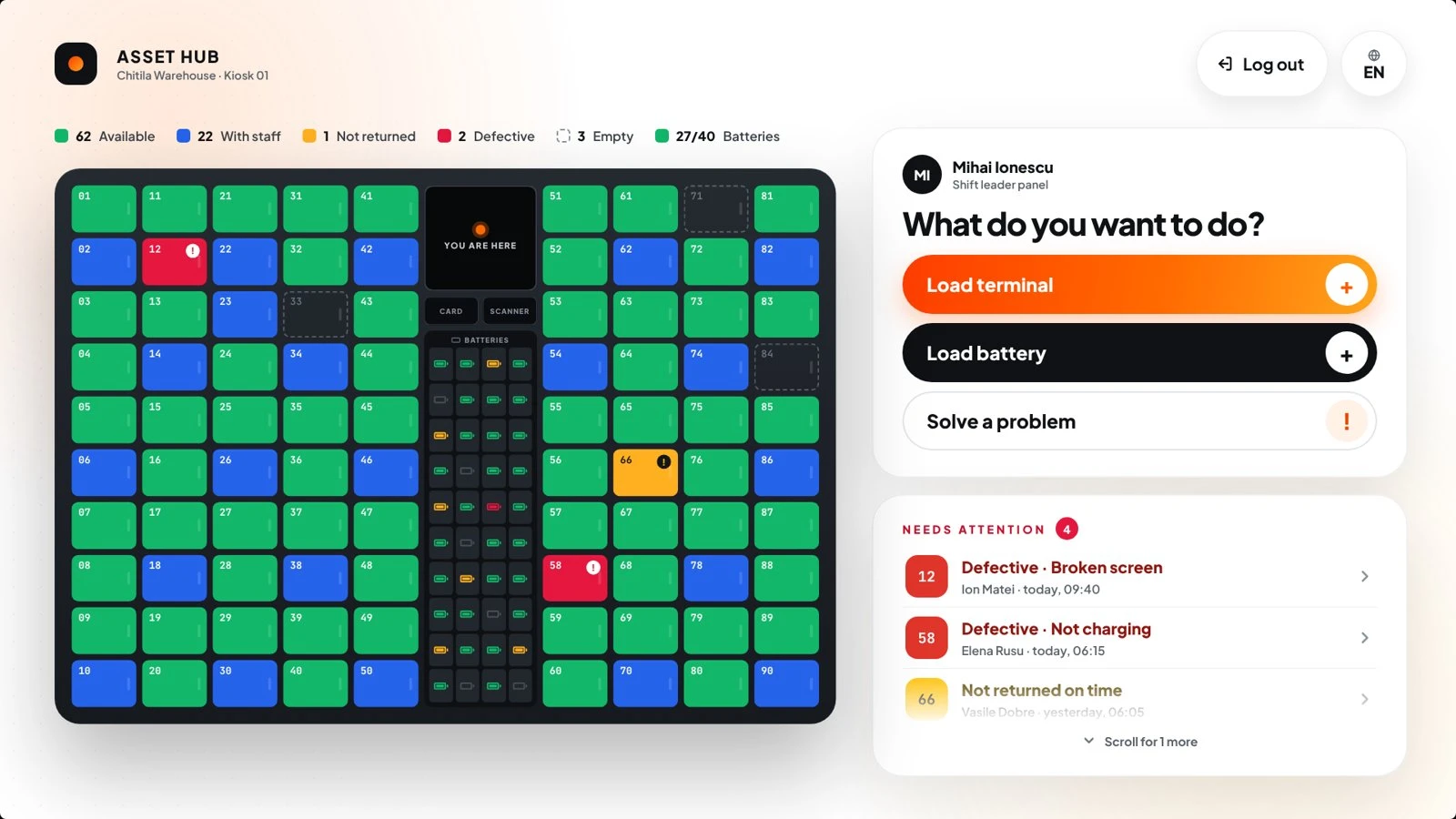
Supervisor view of all doors and the battery module

What’s inside

Flexible authentication

Employee card, RFID, PIN or employee QR code — one access method across the whole Bobnet range.

Charging in every door

An attached charging lead inside each compartment keeps returned devices ready for the next shift.

Spare-battery module

A dedicated module stores and charges spare equipment batteries between shifts.

Defect & overdue alerts

Faults reported at return and devices not returned on time show up for the supervisor immediately.

Automated reports

Who took what, and when — handover history to follow usage and support audits.

Multilingual interface

The kiosk switches language per user — built for mixed, international shift teams.

Where the hub fits
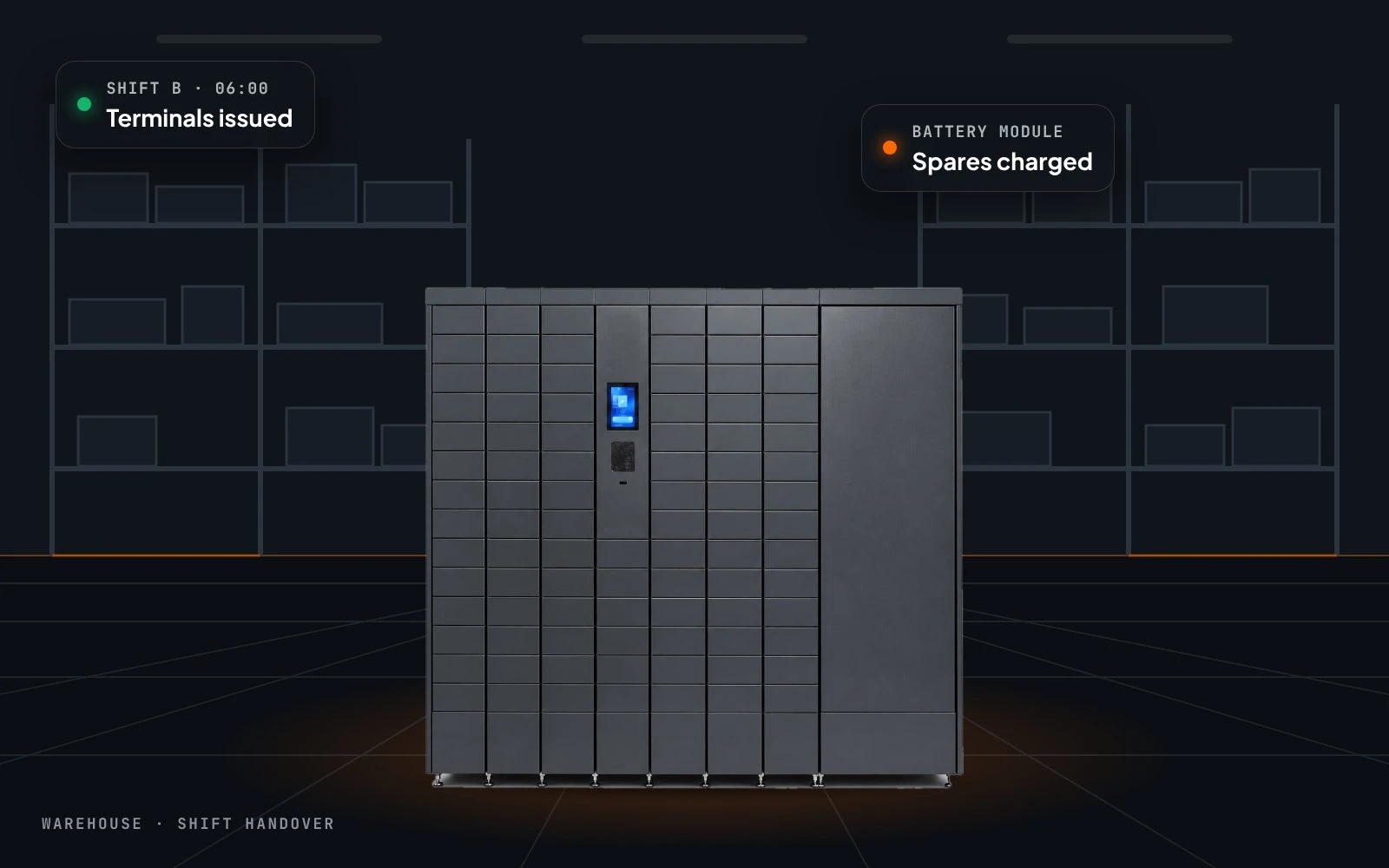
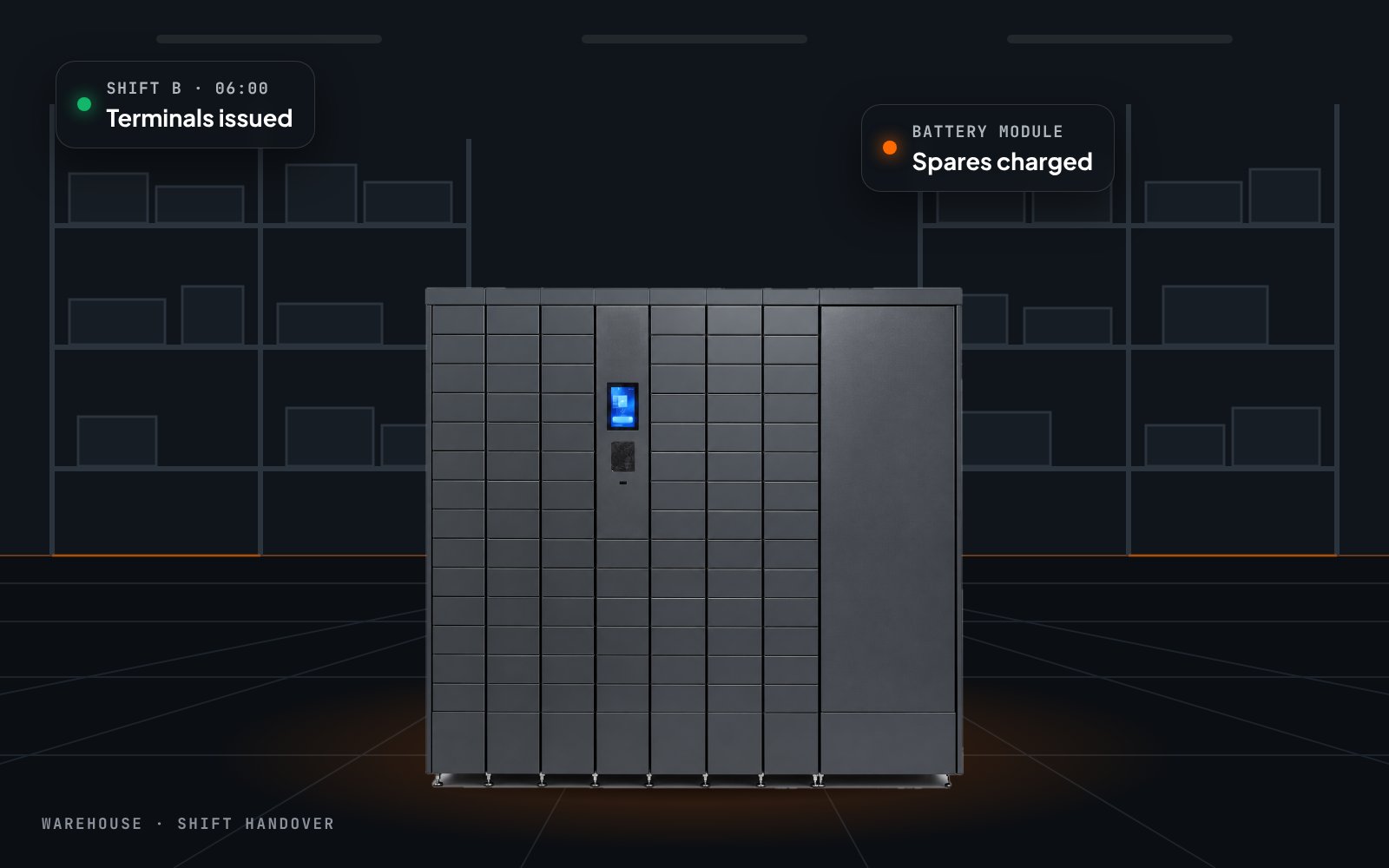
Smart Asset Hub in a warehouse

Warehouses

Handheld scanners and terminals across changing shifts.
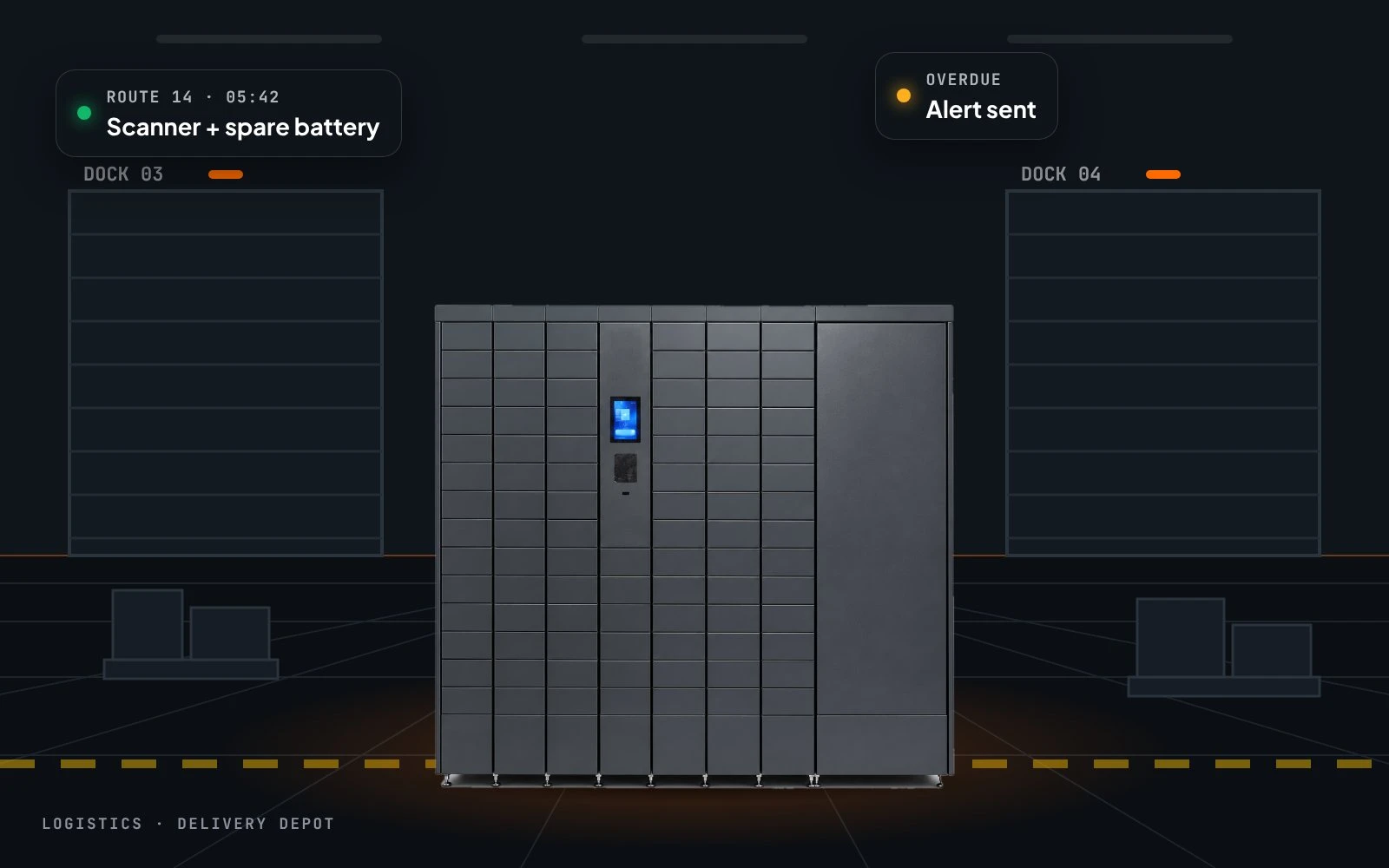
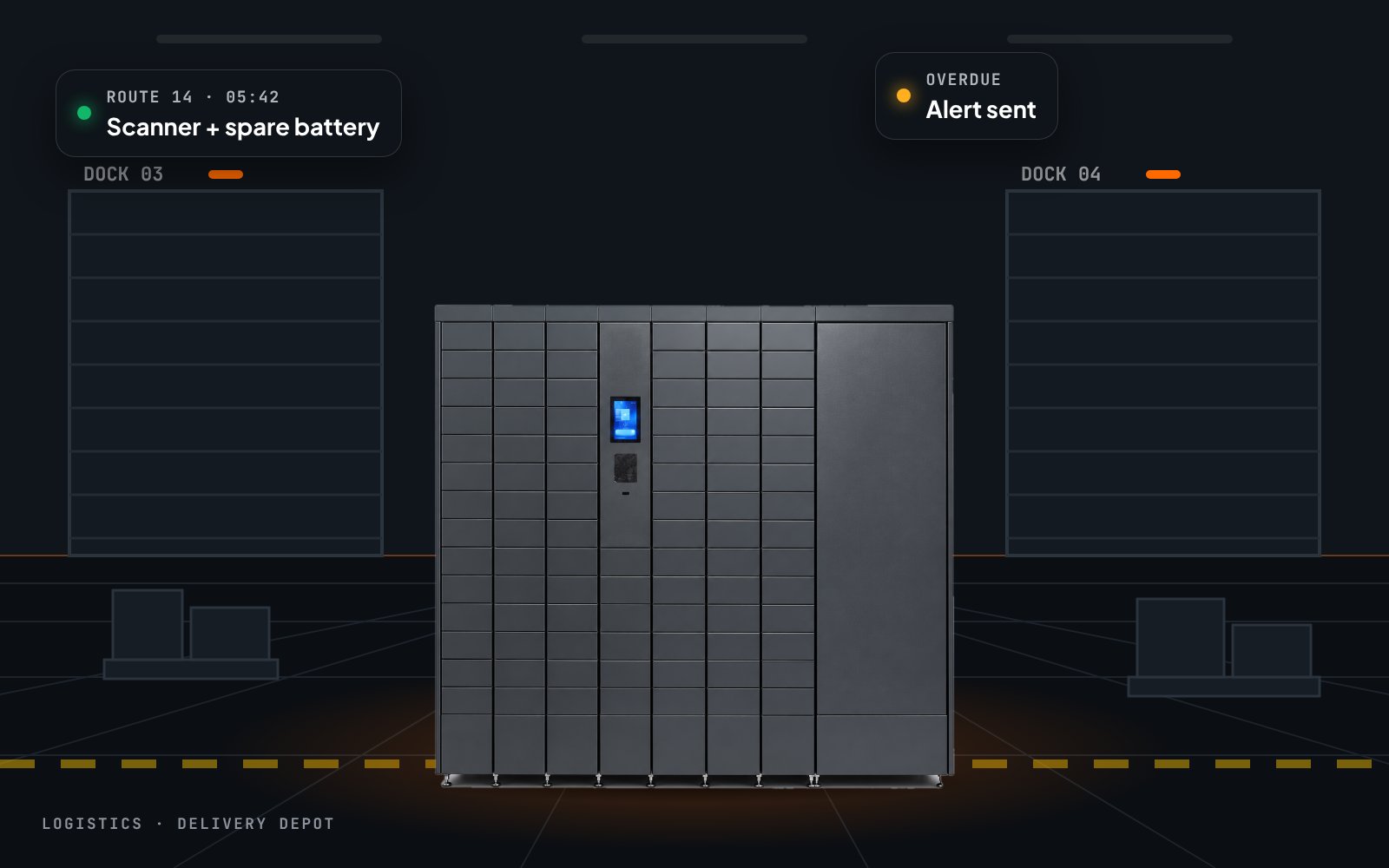
Smart Asset Hub at a delivery depot

Logistics & fleets

Driver devices and spare batteries handed over automatically.
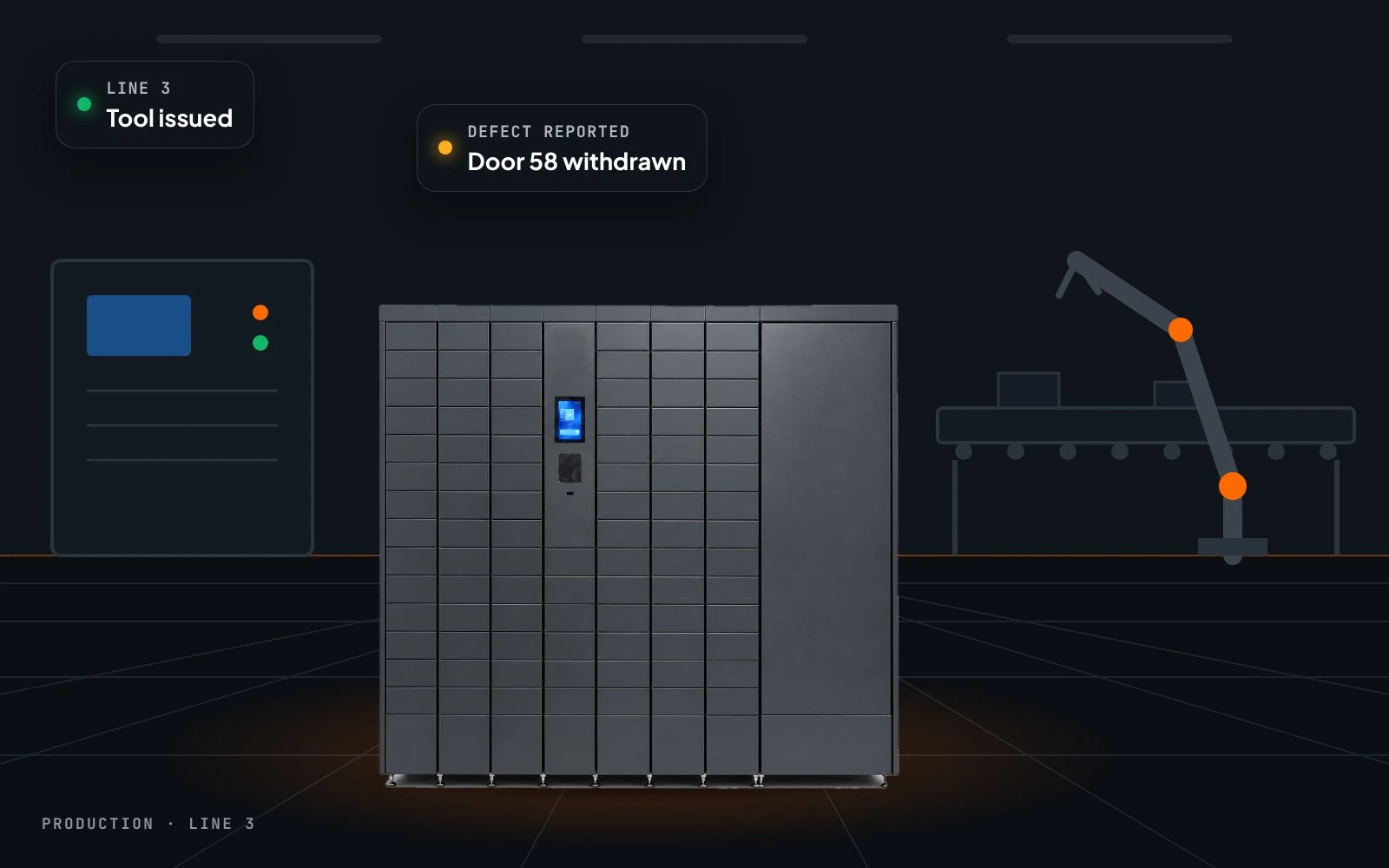
Smart Asset Hub in a production hall

Production

Tools and equipment close to the workstations.
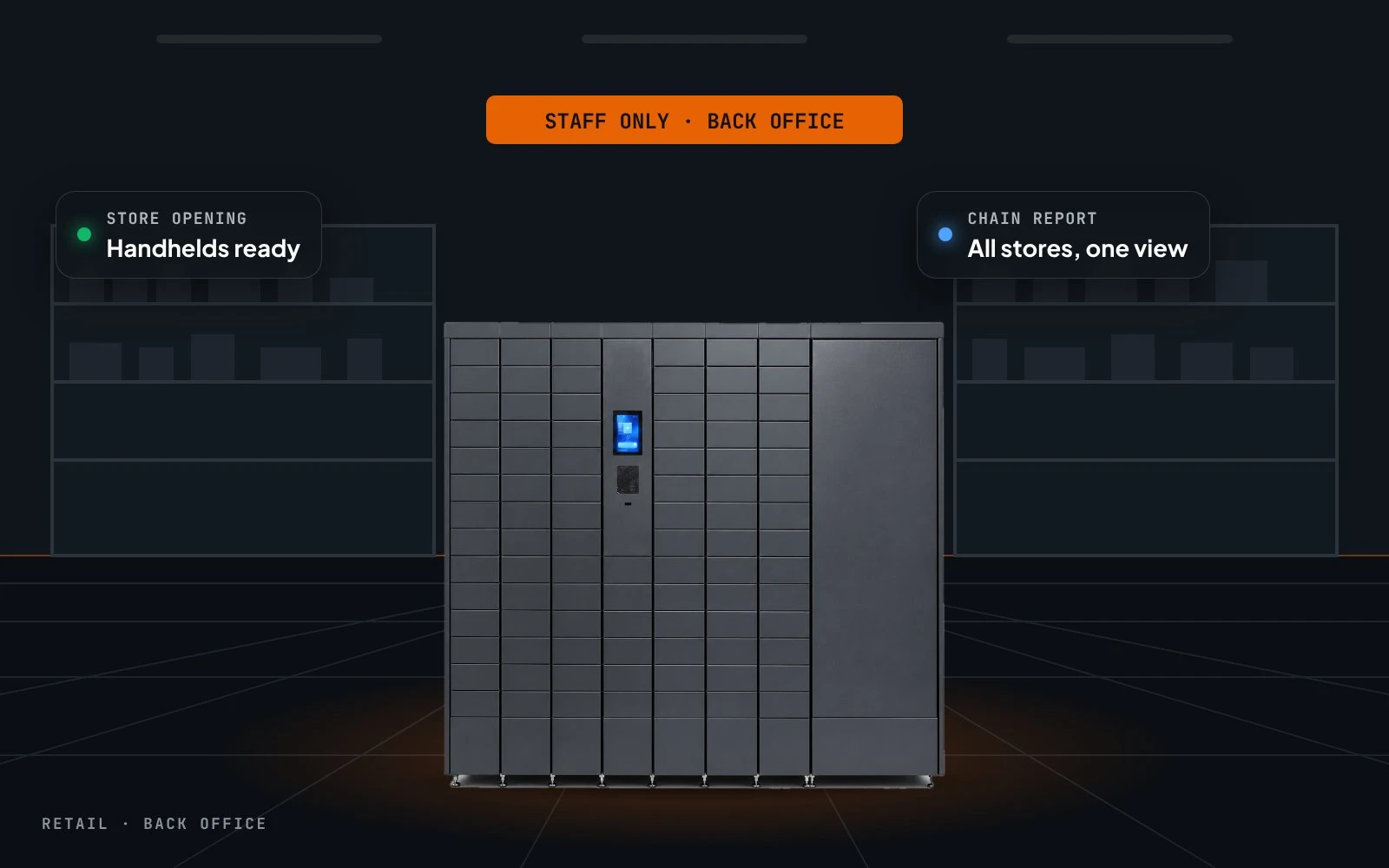
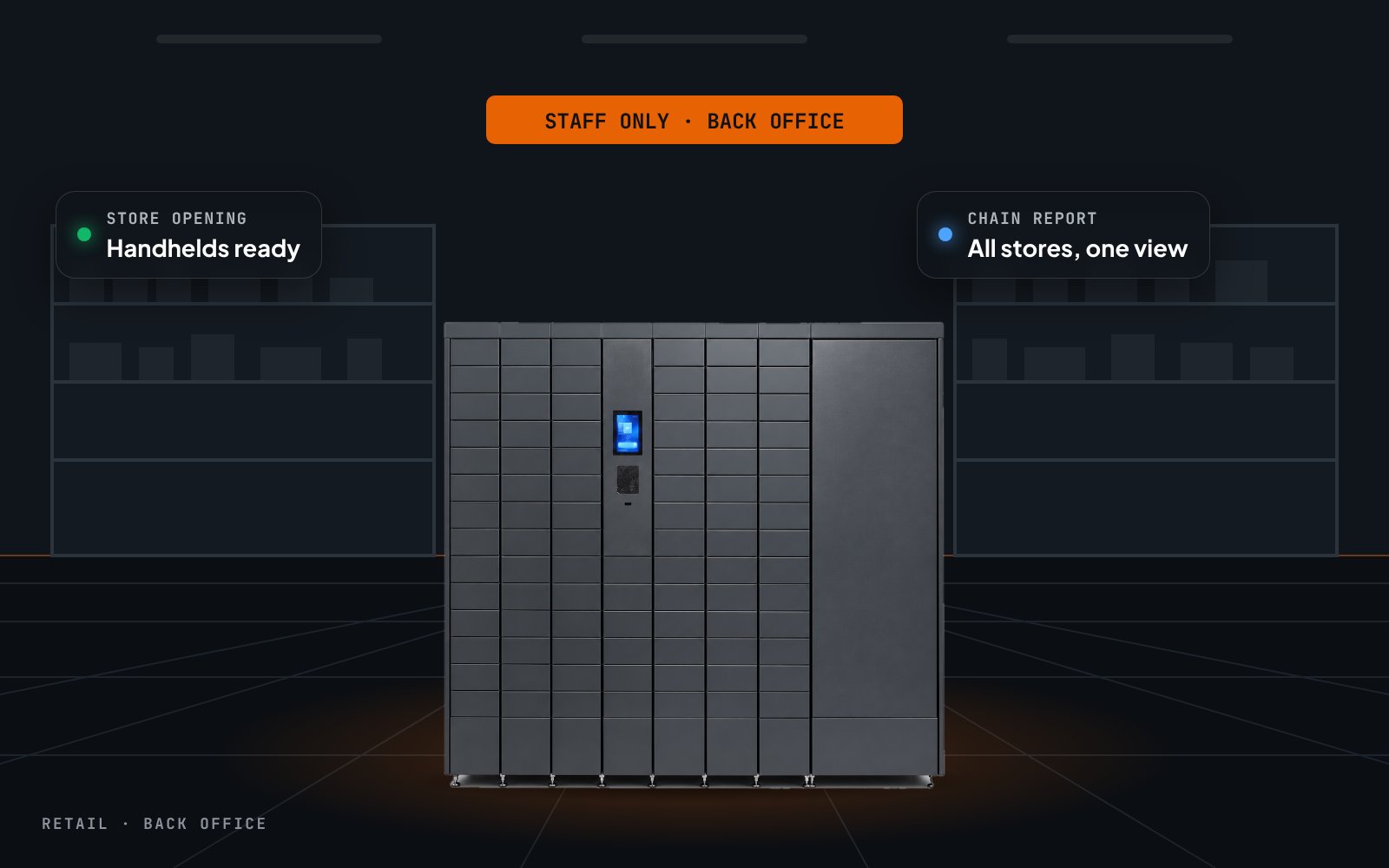
Smart Asset Hub in a store back office

Retail stores

Staff handhelds and payment terminals, charged and tracked.

Key specifications

Compartment sizes, number of doors and battery bays are configured to the equipment you hand out.

Interface Touchscreen kiosk
Identification Employee card, RFID, PIN or employee QR code
Item verification Integrated barcode scanner
Compartments Individually controlled doors with charging lead
Battery module Optional, with charging bays
Backup power Optional internal battery for operation during outages
Power supply 230 V AC, 47–63 Hz
Connectivity Ethernet, Wi-Fi, LTE/4G
Software BobnetOS · Bobnet CMS · automated reports

Size the hub to your fleet

Tell us which devices you hand out and how many shifts you run — we configure doors, battery bays and reports.
Request a quote

Less admin at shift change. More devices in hands.

Boost productivity

Self-service handovers replace the equipment counter, so shifts start on time and nobody waits for a charged device.

Enhance security

Devices sit behind individually controlled doors and open only for an authenticated employee.

Improve accountability

Each device is on one name at a time; overdue returns and reported defects surface immediately.

Complete visibility

Live status of every door and battery bay, plus usage history for audits and fleet planning.

Longer device uptime

Charging in every compartment and a spare-battery module keep the fleet powered between shifts.

Lower loss and repair cost

Faults are reported at return, so broken devices are withdrawn instead of being handed to the next shift.

The Smart Asset Hub is built using modular steel enclosures designed for durability, easy installation, and aesthetic integration in both indoor and outdoor environments. 

Casing & Materials  

The device body is made of 1.0–1.5 mm steel, finished with a high-durability polymer paint coating.  

  • Indoor version: painted steel structure  
  • Outdoor version: galvanized steel, polymer-painted for corrosion protection  
  • Doors: reinforced steel panels for improved rigidity and anti-tamper protection  

Branding Opportunities: Customize the look and feel of the lockers to match the location aesthetic.  


Color Options  

Standard finishes include:  

  • Base colors: white, grey, black  
  • Alternative colors options are available for custom projects  


Key Features 

  • 24/7 self-service operation – autonomous usage with no on-site staff required 
  • Cashless transactions – integrated POS terminal, QR code, and contactless payment support
  • Modular architecture – scalable layout starting from 1m², easily expandable with additional modules
  • Indoor & outdoor configurations – premium finishes and weather-resistant design for any environment
  • Reinforced steel structure – powder-coated galvanized frame with double-layer anti-tamper doors
  • Central control module – integrates touchscreen display, electronic locks, and smart controller
  • Cloud-connected platform – Bobnet OS integration for device orchestration and data monitoring
  • API-ready – easy integration with third-party systems
  • Real-time monitoring & telemetry – health status, occupancy, and event logging
  • Secure OTA updates – remote software updates
  • User-friendly multilingual interface
  • Plug & Play installation – minimal setup effort for rapid deployment
  • Energy-efficient design – optimized electronics for low power consumption and high reliability. 


Key Software Features 

  • Linux-based on-premises controller – ensures autonomous operation even in offline mode. 
  • Cloud orchestration via Bobnet OS – centralized fleet monitoring, remote updates, and analytics. 
  • Web-based administration (BION App) – manage lockers, reservations, and pricing; perform remote operations such as opening or blocking cells, cancelling reservations, and viewing real-time status.
  • Service & pricing management – dynamic configuration of rental durations, tariffs, and promotions. 
  • Controlled authentication – secure access for users without prior registration.
  • Integrated payment handling – transaction validation through Viva Bank gateway.
  • Email notifications – automated alerts for various events.
  • Audit logging – traceability of user and system actions. 
  • Backup code submodule – unique master codes for emergency or offline access.
  • GDPR compliance – secure communication and personal data protection.
  • Multilingual kiosk interface – supports over 15 languages, expandable through configuration. 


Minimum requirements for installation 

  • Location: Stable, level surface; indoor or outdoor installation with wall/floor anchoring. 
  • Outdoor Setup: Concrete base required (by customer if not available). 
  • Power Supply: 230 V AC, 47–63 Hz. 
  • Internet: Stable LAN, Wi-Fi, or 4G connection 


Environmental Conditions 

  • Storage: −20°C to +50°C; relative humidity 10–70%. 
  • Indoor Operation: 0°C to +35°C; relative humidity 0–70%. 
  • Outdoor Operation: −15°C to +45°C; relative humidity 0–100% 


Connectivity & Interfaces 

Interface Specification 
Network Connectivity Ethernet, Wi-Fi, LTE/4G module 
IoT Protocol Support HTTPS, WebSocket 
Peripheral Interfaces USB, RS485 
External Integrations POS systems, payment gateways, cloud IoT platforms 

Configuration

Interface Touchscreen kiosk
Identification Employee card, RFID, PIN or employee QR code
Item verification Integrated barcode scanner
Compartments Individually controlled doors with charging lead
Battery module Optional, with charging bays
Backup power Optional internal battery

Casing & materials

Device body 1.0–1.5 mm steel, polymer paint
Doors Reinforced steel
Colour options White, grey, black · custom on projects

Minimum requirements

Surface Stable, level floor
Power 230 V AC, 47–63 Hz
Internet Stable LAN, Wi-Fi or 4G

Environmental conditions

Storage −20 °C to +50 °C · 10–70 % RH
Indoor operation 0 °C to +35 °C · 0–70 % RH

Connectivity

Network Ethernet, Wi-Fi, LTE/4G module
IoT protocols HTTPS, WebSocket
Peripheral interfaces USB, RS485
External integrations HR, ERP and WMS systems · cloud IoT platforms

Fully Connected. Operated Through One Platform.

Every unit ships with Bobnet OS pre-integrated — the device-resident operating system that standardizes electronics control, payment processing, connectivity, and real-time telemetry. From the moment the device goes live, it is remotely accessible: administrators can configure catalog and pricing through the Backoffice Web App, field teams manage replenishment and stock via the Ops Mobile App, and end-users interact through the on-device Kiosk UI or the End-User Mobile App. There is no separate software to deploy — the platform is already there.

Operations are governed through the Chain Management System, the orchestration layer that holds business logic — assortment rules, pricing models, access policies, payment flows, and reporting — and applies it consistently across every device in the network. Monitoring runs continuously through the Technical Console, which tracks device health, transaction anomalies, connectivity status, and inventory drift, routing exceptions into actionable workflows before they become operational problems. The result is a system that stays consistent, diagnosable, and scalable whether you run one unit or a hundred.

Available as Single Unit or as Part of a Chain. How This Device Operates in a Chain

This solution is available for deployment as a single autonomous unit — operational from day one, with no dependency on other devices. It connects to Bobnet OS and the Chain Management System independently, giving you full software visibility, cashless payments, and remote management from a single point.

Single Unit Deployment

  • Plug & Play
  • Independent
  • Full software stack
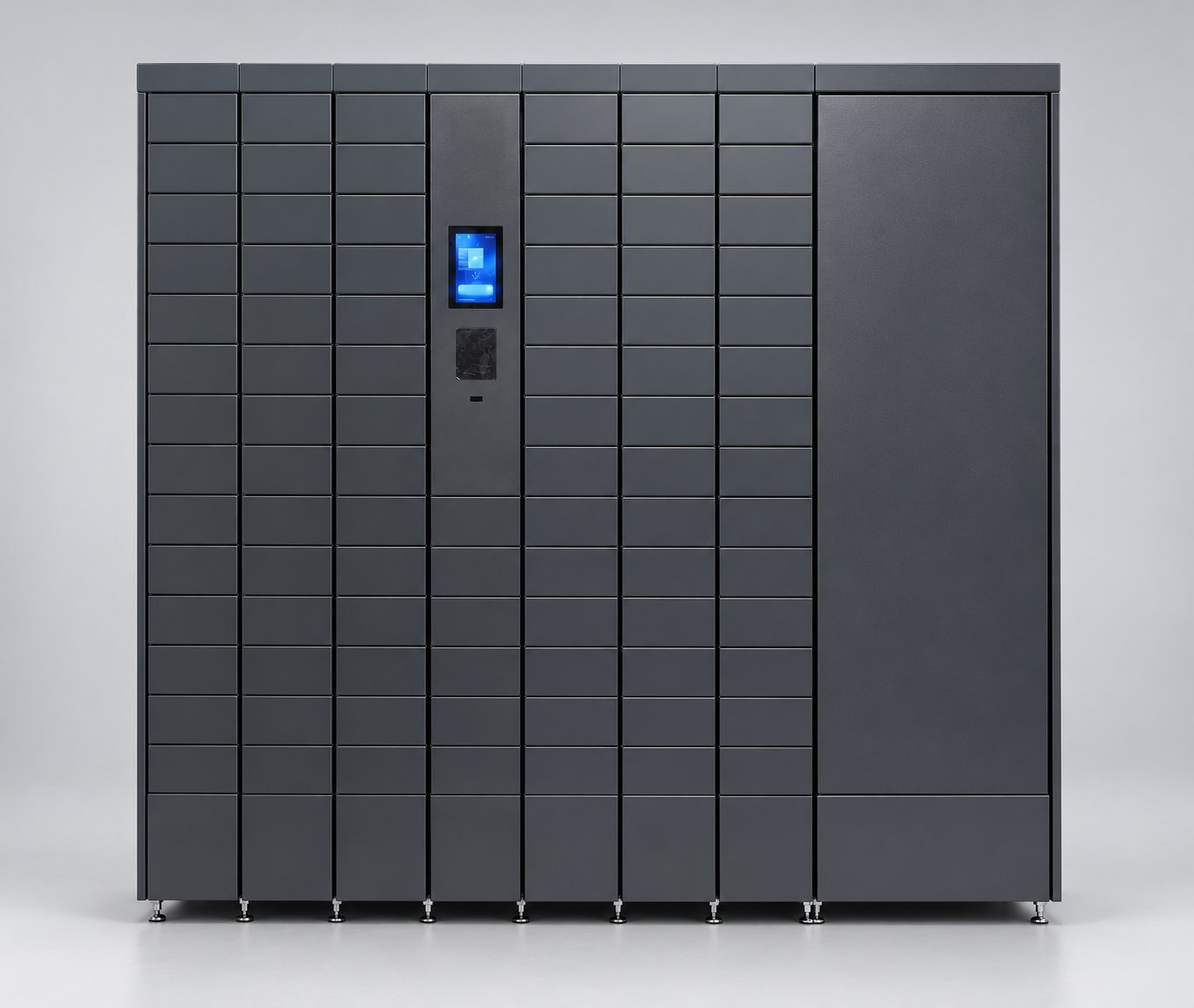
Smart Asset Hub equipment locker front view

Chain Deployment

  • Unified rules
  • Coordinated fleet
  • Scaled operations
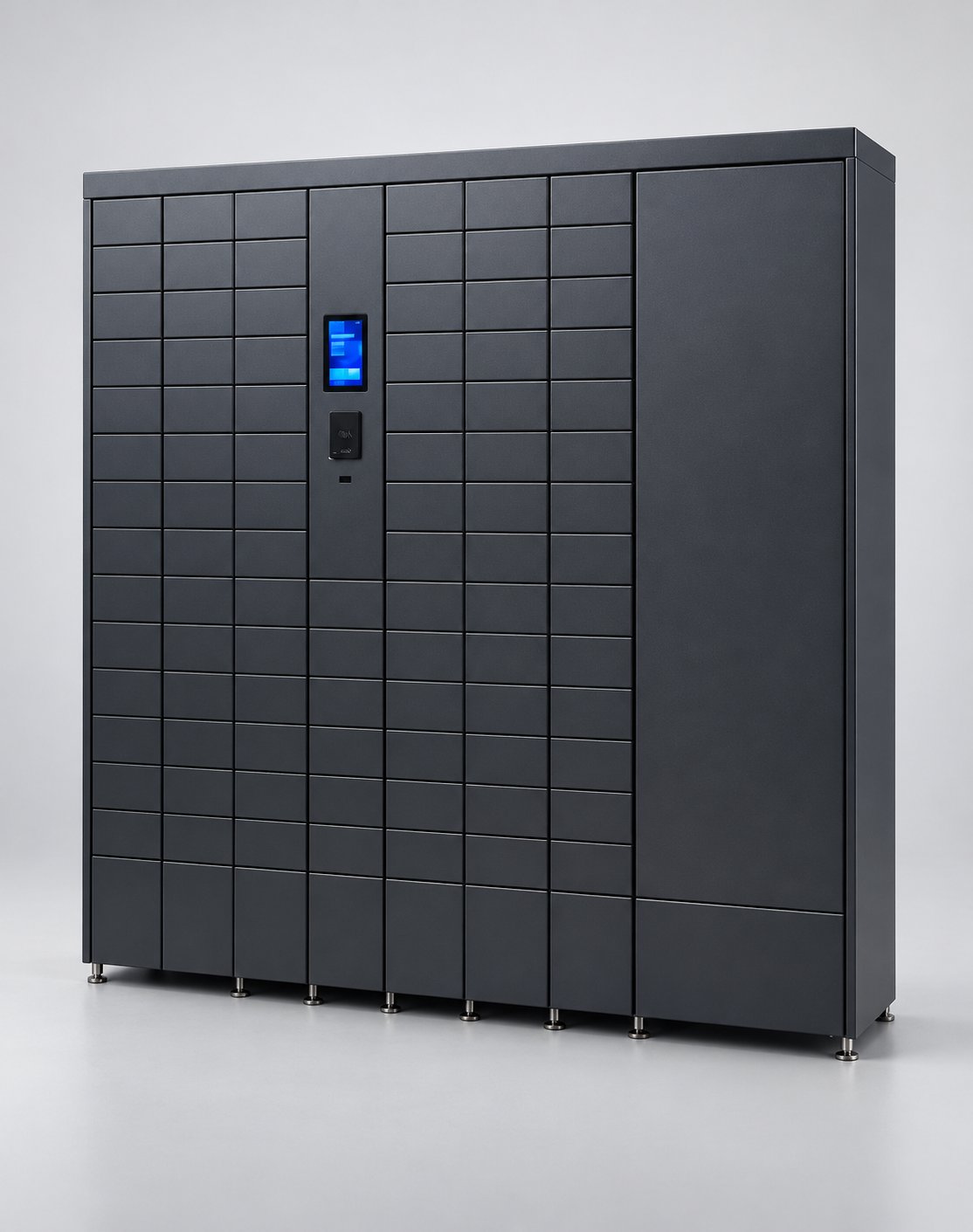
Smart Asset Hub equipment locker front view

For organizations running multiple locations or higher-volume environments, this device is also available as part of a Chain — a structured group of units operating together under unified rules, shared catalog, and coordinated telemetry. A chain removes the need to manage each unit individually: pricing, replenishment workflows, and reporting are governed centrally, while each device executes autonomously on-site.

When deployed as part of a chain, this device becomes a managed node within a coordinated operational unit. The Chain Management System assigns it to a defined group — alongside other devices of the same or complementary type — and governs the entire group under shared rules: one product catalog, one pricing model, one replenishment policy. Each device in the chain executes those rules autonomously on-site, while all data — transactions, inventory levels, health states, alerts — flows back to the same unified reporting layer. There is no need to configure or monitor each unit separately; the chain behaves as one system.

Chains are the foundation of Human Free Process and STAFF FREE Networks — the higher automation levels where multiple device types work together to cover complete operational flows without on-site staff. A single chain of this device type can handle a discrete routine end-to-end: product access, payment, receipt, and exception handling. Multiple chains, connected through Bobnet OS and the Chain Management System, can cover an entire site or a multi-location network under one operational model. The architecture is designed to grow: you start with a chain, and when the business is ready, you extend it — same platform, same rules, larger network.

Smart Asset Hub in a distribution centre

Warehousing · 3 shifts

Handheld scanner fleet in a distribution centre

The situation: hundreds of scanners shared across three shifts, handed out at a counter. Queues at every shift change; missing devices discovered only at inventory.

With the hub: operators collect the best-charged scanner on their own and return it at the end of the shift. Flat batteries are swapped mid-shift without leaving the floor.

  • No handover queue at shift change
  • Every scanner traceable to a person
  • Supervisors see overdue and broken devices live

Logistics · last mile

Driver devices at a delivery depot

The situation: drivers leave early in the morning and need a charged handheld, a spare battery and sometimes a mobile printer. Nobody is at the desk yet.

With the hub: drivers badge in, collect their kit and go. Returns in the evening go straight back to charging; devices not returned trigger an alert.

  • Departures not tied to staffed hours
  • Spare batteries ready for long routes
  • Overdue devices flagged automatically
Smart Asset Hub at a delivery depot
Smart Asset Hub in a store back office

Retail · chain of stores

Staff handhelds across a store network

The situation: stock-taking handhelds and mobile payment terminals live in a drawer in each store, charged when someone remembers.

With the hub: each store gets a compact hub; devices charge overnight and are signed out per employee. Deployed as a chain, head office sees every store in one report.

  • Devices charged and ready at opening
  • Clear responsibility per employee
  • One view across all stores
[showcase_gallery]
SKU LC-01-S-SMARTA-A4E2 Find more in , , Related: , , ,

Related Products